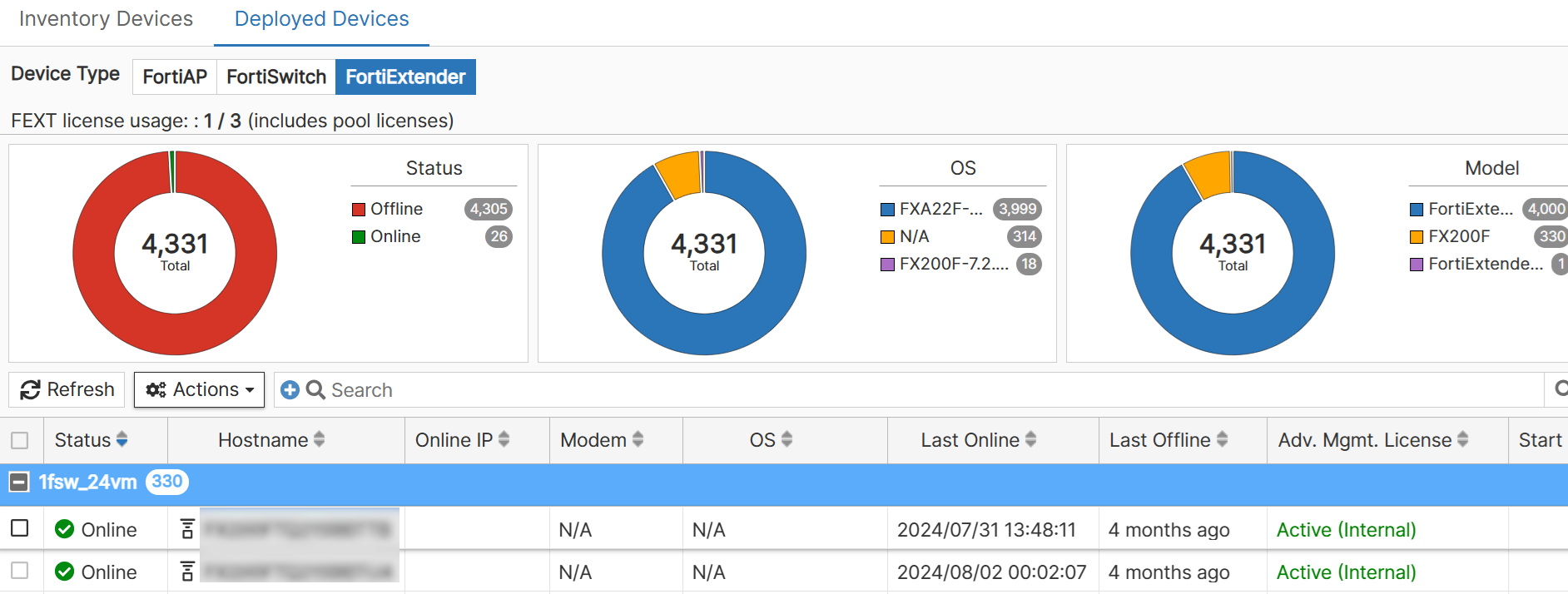
Deployed Devices
The Deployed Devices tab displays fully deployed devices to networks or external ACs. For more information on options presented on this page, see Inventory Devices.
Note: If the Deployed Time is Not Available, it implies that FortiEdge Cloud could not determine the time instant at which the device was deployed to a network.
FortiAP
You can upgrade firmware for devices that are deployed in multiple different networks, with a single operation. Select one or multiple online devices and click Actions > Upgrade Firmware. To discontinue firmware upgrade, select Cancel Firmware Upgrade. Additionally, you can register APs, manage licenses, and export device information. 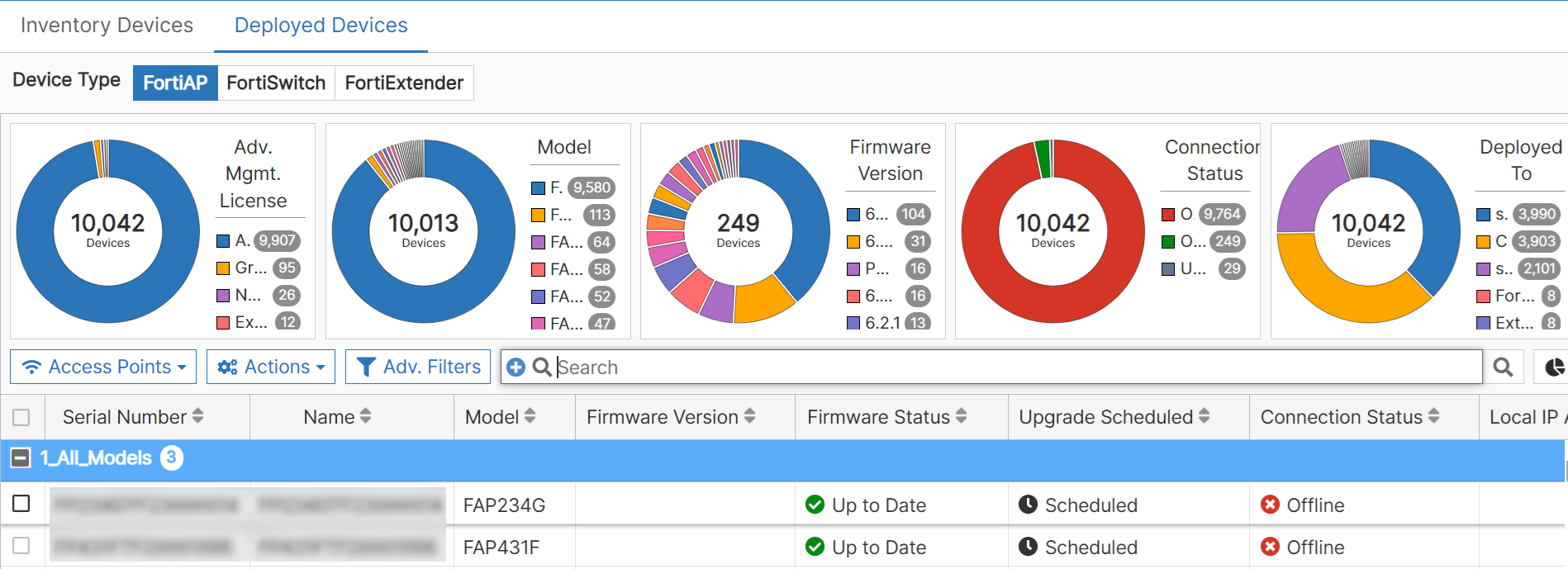
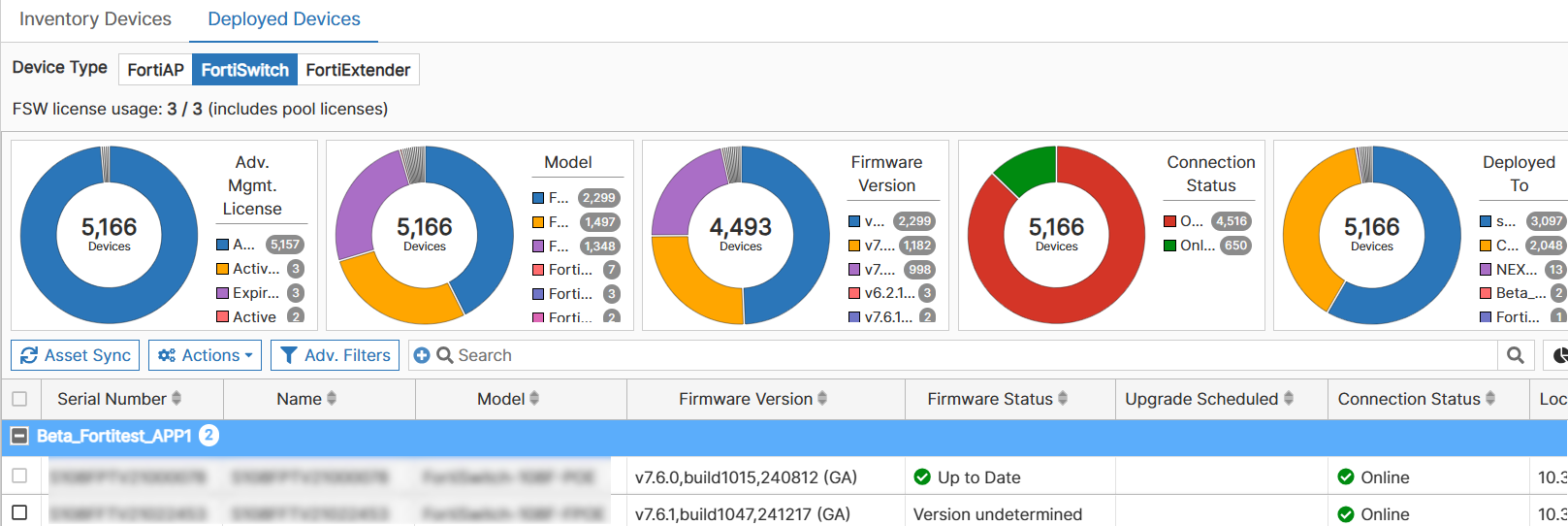
FortiSwitch
You can upgrade firmware for devices that are deployed in multiple different networks, with a single operation. Select one or multiple online devices and click Actions > Upgrade Firmware. Additionally, manage licenses and export device information.
FortiExtender
You can perform a couple of management operations on FortiExtenders, such as, upgrade, swapping profiles, re-grouping, and sync. For more information, see Actions. You can also refresh the FortiExtender device status and un-deploy devices from this page.