
Fortinet white logo
Fortinet white logo

How and when to initiate a BPS onboarding request

How and when to initiate a BPS onboarding request

You can initiate a BPS onboarding request by following these simple steps.

Register your BPS and FortiEndpoint contracts to FortiCloud before initiating the onboarding request.

To initiate BPS onboarding request:
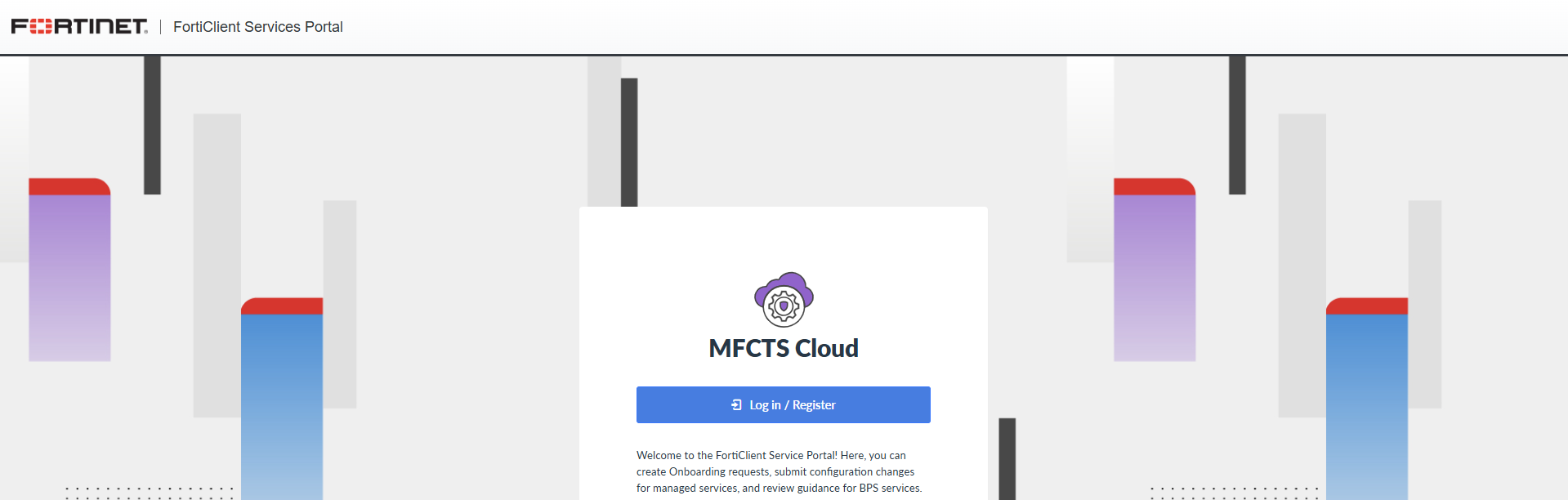
  1. Log in to the FortiClient Services Portal.
  2. Go to My Assets. Confirm that it lists your serial number and respective service entitlement. For FortiEndpoint, My Assets lists an EMS serial number. For BPS, the BPS Entitlement Status column shows Entitled. For Managed Service, the Managed Service Entitlement Status column shows Entitled. If this is not the case, confirm that you have registered your FortiEndpoint and BPS or Managed Service contracts.

  3. Go to Dashboard.
  4. Click Start Onboarding.
  5. From the Timezone dropdown list, select your timezone. Click Next.
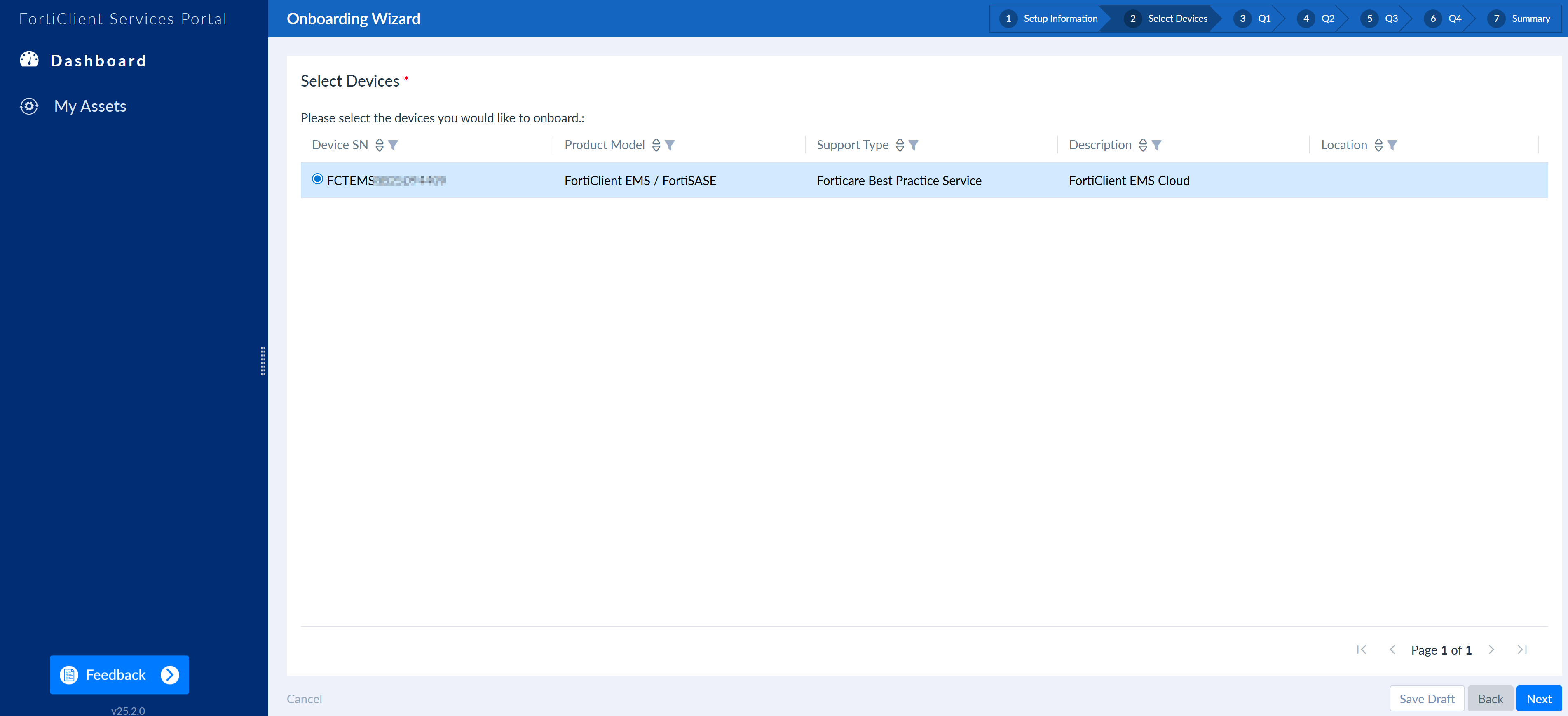
  6. Select the desired FortiEndpoint instance. This displays as an EMS serial number. Click Next.
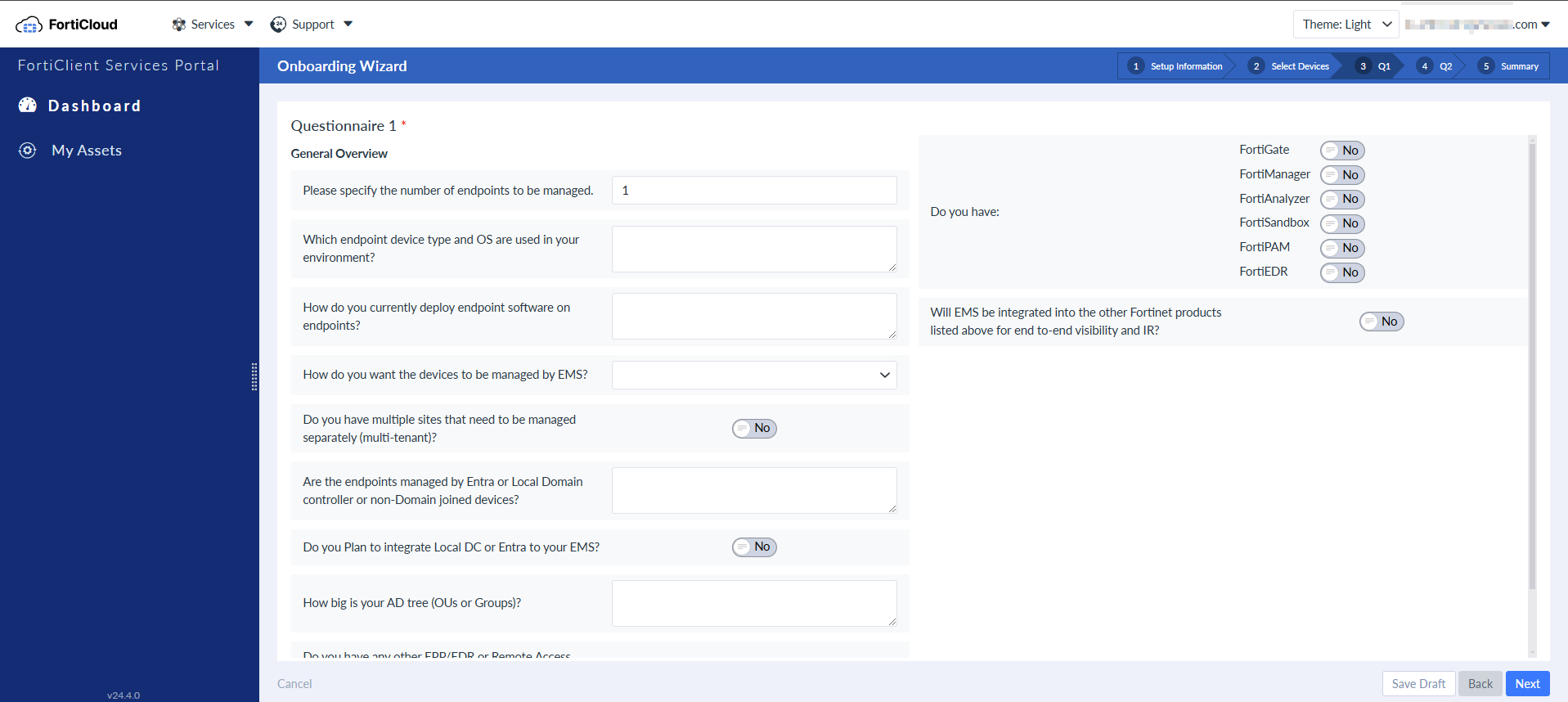
  7. The following page displays a questionnaire regarding your desired EMS configuration. Answer the questions, then click Next.
  8. The following page displays a questionnaire regarding which features to enable on your EMS instance. Answer the questions, then click Next.
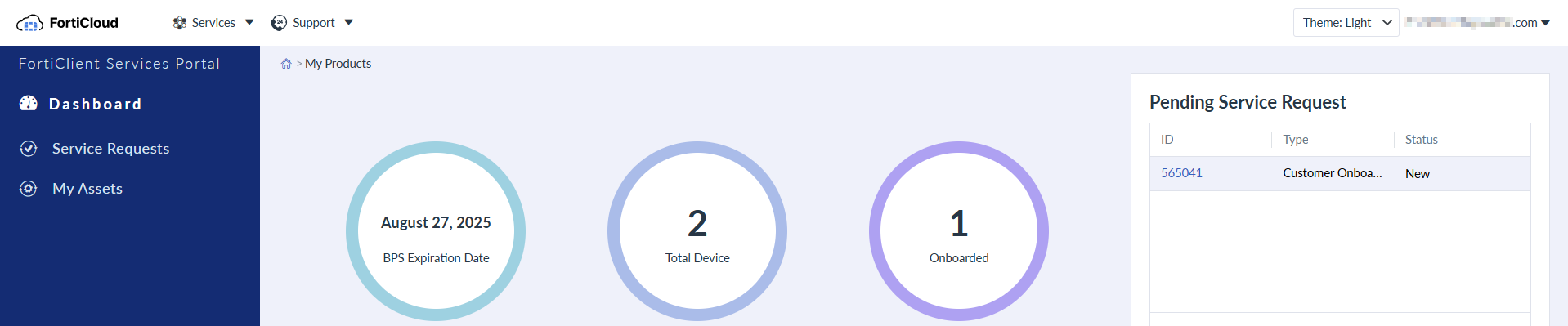
  9. The following page displays a summary of the information that you have provided. Review the summary, and, once satisfied, click Submit. In the Pending Service Request widget on the Dashboard, you can view that you have a pending customer onboarding request.
When to engage BPS?

Customers are encouraged to engage BPS services in the following scenarios:

Scenario

Description

During initial FortiEndpoint installation

Seek assistance from BPS experts during the initial setup and configuration of FortiEndpoint

Initial planning for FortiEndpoint

Engage BPS early in the planning phase for deploying FortiEndpoint to leverage expert guidance and best practices.

Post-deployment configuration review

Use BPS for reviewing and optimizing FortiEndpoint configurations post-deployment to ensure optimal performance and security.

How-to questions

Reach out to BPS for clarifications, guidance, or assistance with any specific questions or challenges encountered during usage of FortiEndpoint.

How and when to initiate a BPS onboarding request

How and when to initiate a BPS onboarding request

You can initiate a BPS onboarding request by following these simple steps.

Register your BPS and FortiEndpoint contracts to FortiCloud before initiating the onboarding request.

To initiate BPS onboarding request:
  1. Log in to the FortiClient Services Portal.

  2. Go to My Assets. Confirm that it lists your serial number and respective service entitlement. For FortiEndpoint, My Assets lists an EMS serial number. For BPS, the BPS Entitlement Status column shows Entitled. For Managed Service, the Managed Service Entitlement Status column shows Entitled. If this is not the case, confirm that you have registered your FortiEndpoint and BPS or Managed Service contracts.

  3. Go to Dashboard.
  4. Click Start Onboarding.
  5. From the Timezone dropdown list, select your timezone. Click Next.
  6. Select the desired FortiEndpoint instance. This displays as an EMS serial number. Click Next.

  7. The following page displays a questionnaire regarding your desired EMS configuration. Answer the questions, then click Next.

  8. The following page displays a questionnaire regarding which features to enable on your EMS instance. Answer the questions, then click Next.
  9. The following page displays a summary of the information that you have provided. Review the summary, and, once satisfied, click Submit. In the Pending Service Request widget on the Dashboard, you can view that you have a pending customer onboarding request.

When to engage BPS?

Customers are encouraged to engage BPS services in the following scenarios:

Scenario

Description

During initial FortiEndpoint installation

Seek assistance from BPS experts during the initial setup and configuration of FortiEndpoint

Initial planning for FortiEndpoint

Engage BPS early in the planning phase for deploying FortiEndpoint to leverage expert guidance and best practices.

Post-deployment configuration review

Use BPS for reviewing and optimizing FortiEndpoint configurations post-deployment to ensure optimal performance and security.

How-to questions

Reach out to BPS for clarifications, guidance, or assistance with any specific questions or challenges encountered during usage of FortiEndpoint.