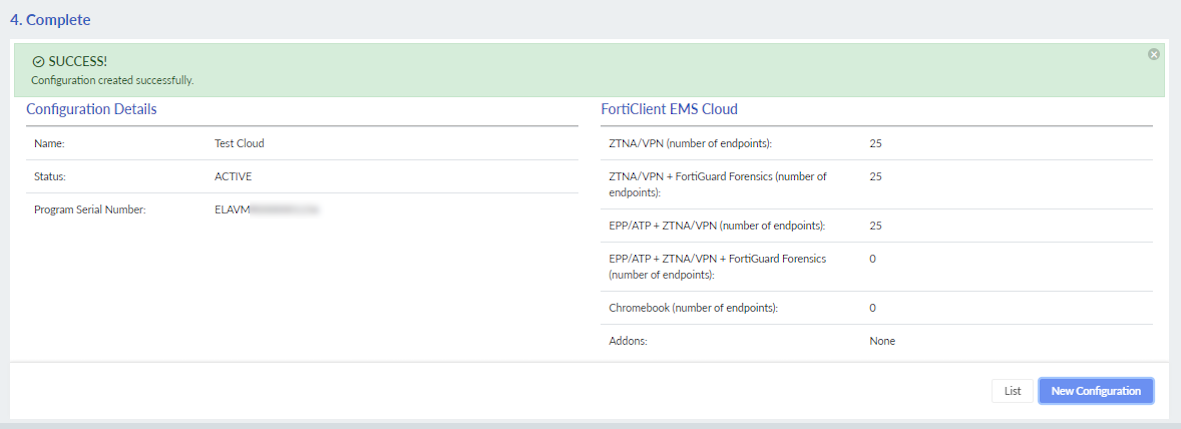
Creating a Cloud service configuration
Specify the users, endpoints, service package, and bandwidth for a Cloud service entitlement. See Creating Cloud service entitlements.
To create a Cloud service configuration:
- Go to Configurations, and click New Configuration.
- In the Configuration Details page, set the configuration details and click Next.
Name Enter a configuration name. Form Factor
Cloud Services
Product Type Select one of the following options:
FortiWeb Cloud
FortiClient EMS Cloud
FortiSASE
FortiEDR MSSP
For information, see Service offerings.
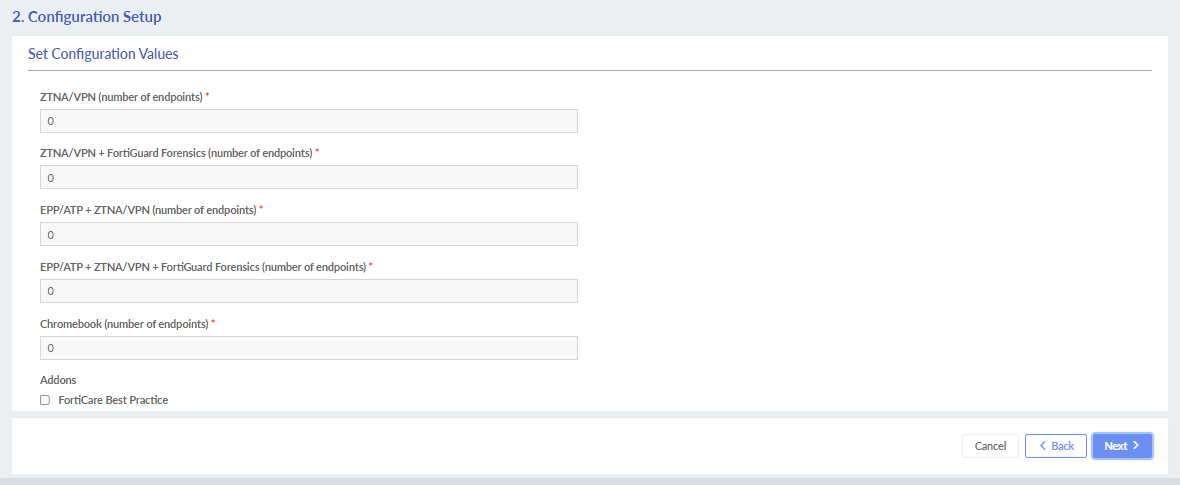
- In the Configuration Setup page, set the service details and click Next. For more information, see Configuration details.
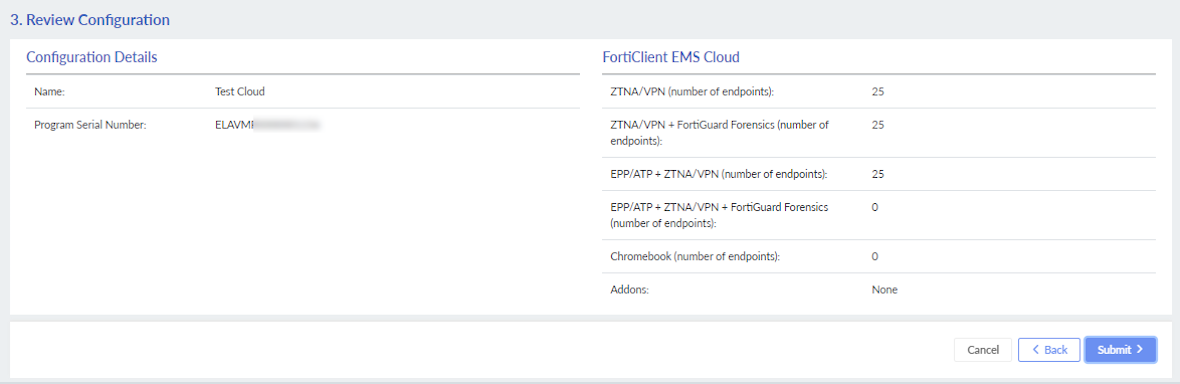
- Review the configuration details, and click Submit.
- Click List to view the configuration in the Configurations tab.