Grouping hcache queries
For each report, you can use the Enable Auto-cache setting to reduce the time for generating reports. All the charts and datasets of this report will be auto-cached, and their hcache tables will be created automatically when new logs come in and log tables are matured.
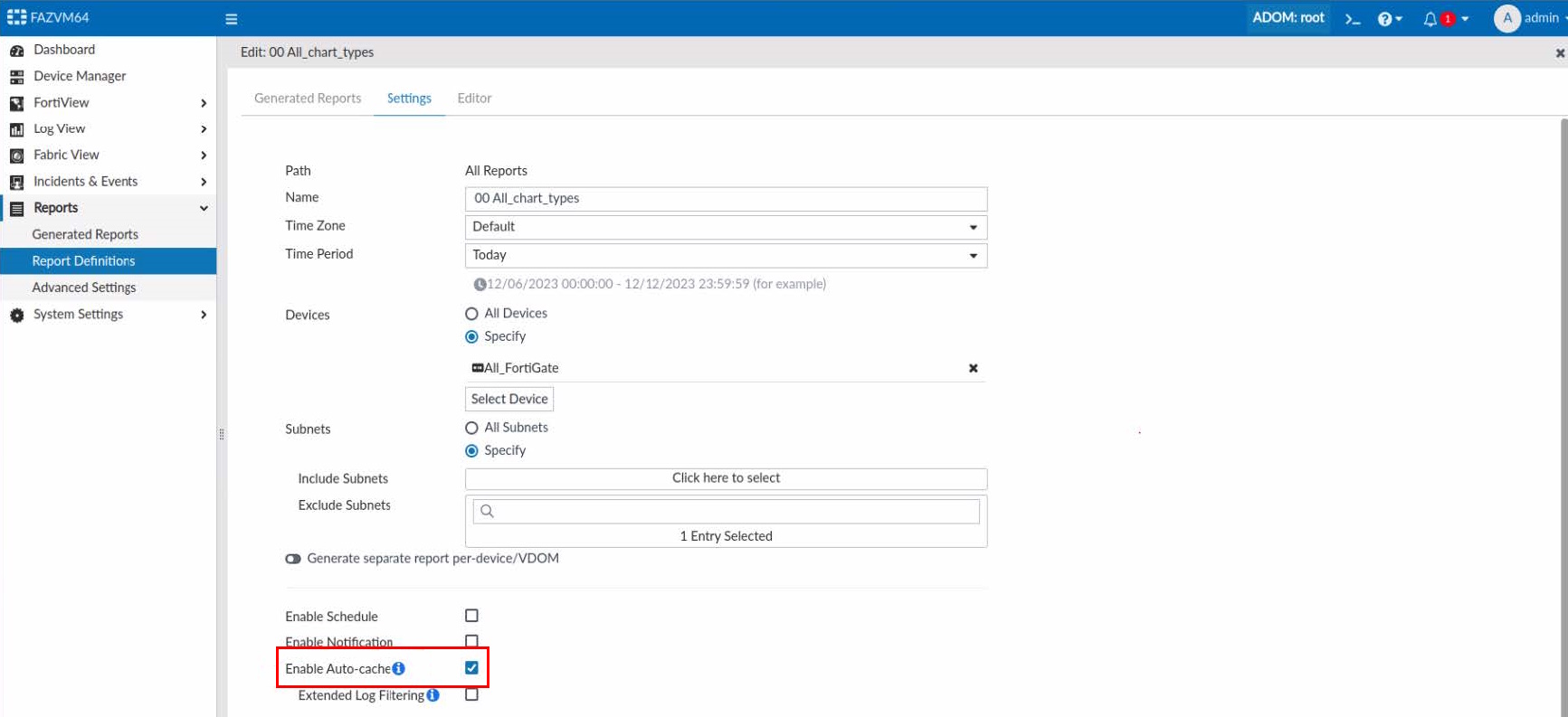
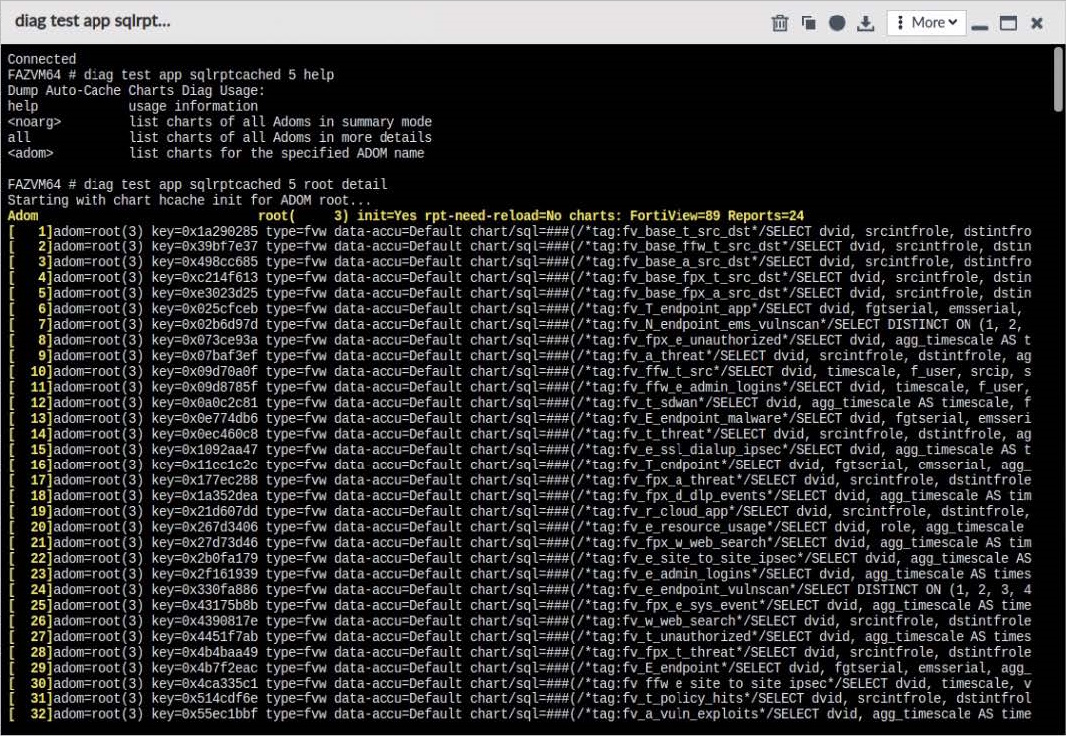
Details of auto-cached reports/charts/datasets can be found using the following CLI command:
diagnose test app sqlrptcached 5

|
Too many auto-cache tasks will take a lot of resources and affect the performance of FortiAnalyzer. Ideally, we would like to combine similar hcache queries into one query, so fewer hcache tables need to be created for the auto-cached reports. Datasets that contain those hcache queries need to be adjusted accordingly. |
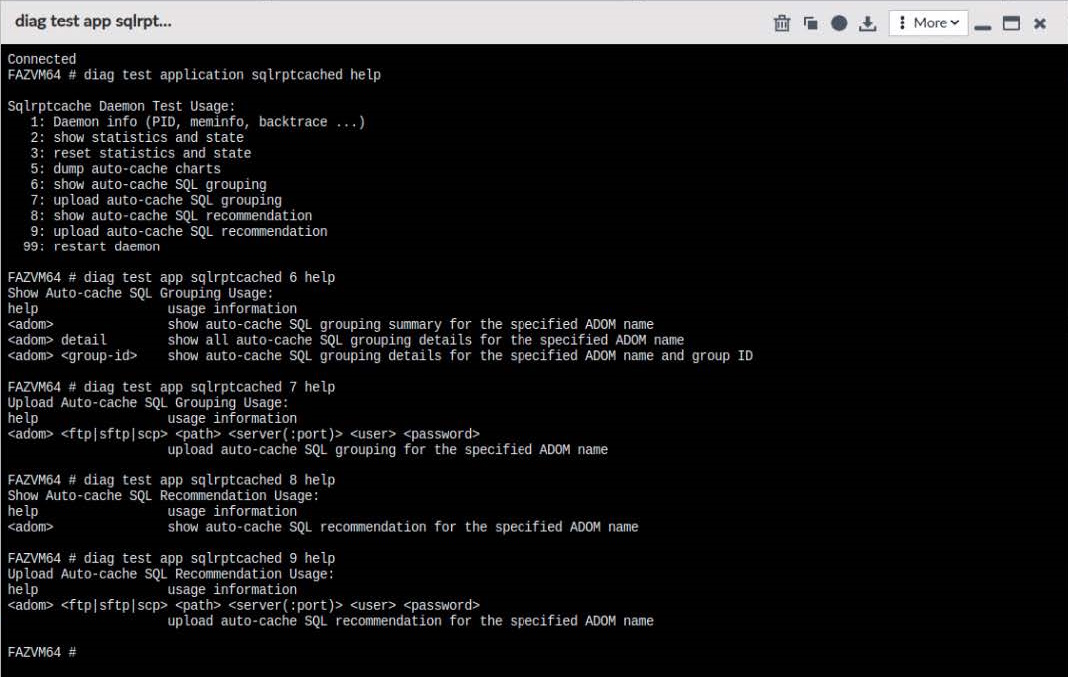
The following CLI commands will show the results of grouping hcache queries in auto-cached datasets:
diagnose test application sqlrptcached 6
diagnose test application sqlrptcached 7
diagnose test application sqlrptcached 8
diagnose test application sqlrptcached 9

|
These CLI commands were added as of FortiAnalyzer 7.4.2. |