

Campaign
The Campaign page displays a list of attacks detected by FortiDeceptor. An attack consists of multiple incidents.

|
You can configure the table settings by hovering over the left-side of the table header and clicking the gear icon |
 .
.The Campaign page displays the following information:
|
Last Activity |
Date and time of the last activity. |
|
Start |
Date and time when the attack started. |
|
Severity |
Severity of the event. |
|
Incidents |
The number of incidents for this campaign. |
|
Attacker IP |
IP mask of the attacker. |
|
Victim IP |
The IP mask of the victim. |
|
ID |
ID of the campaign record. |
To filter the Campaign table:
- In the Search field at the top-right of the page, click the plus sign and select a filterable column. Use the date picker to select the date range and click Apply.

- Hover over a column heading and click the filter icon.

To view the attack details:
- Go to Incident > Campaign.
- Expand an attack in the list. The campaign Timeline is displayed.
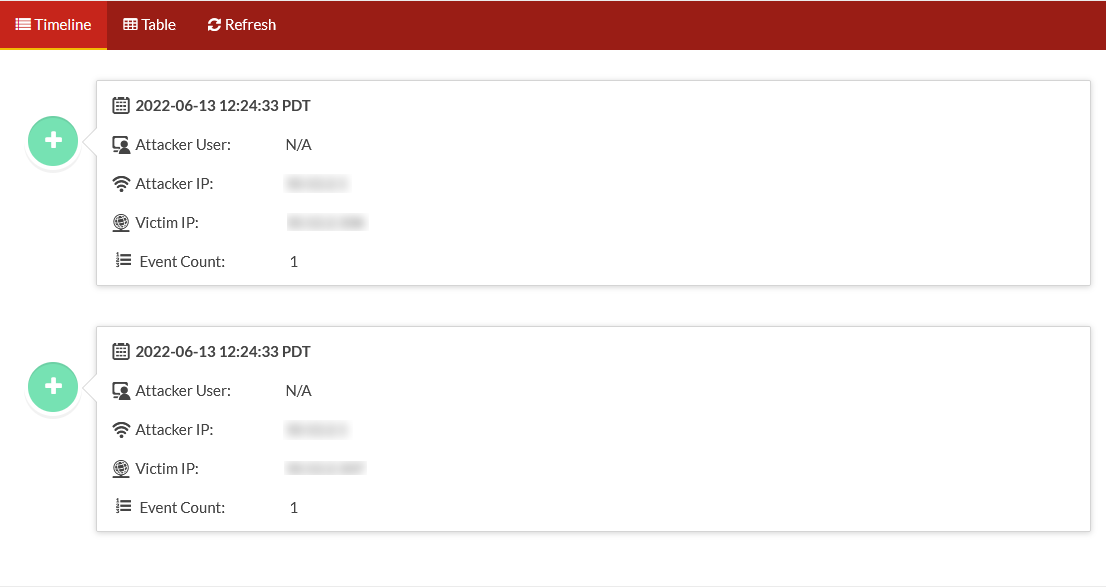
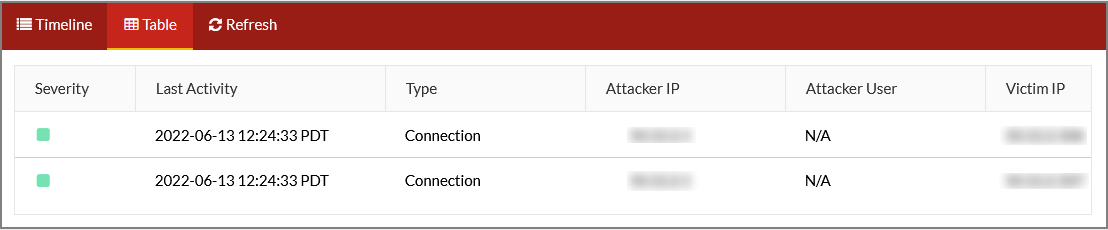
- Click table to view the attack Severity, Last Activity, Type, Attacker IP, Attacker User, Victim IP, and Victim Port.
- (Optional) Click Refresh to refresh the data.