

Command palette
The command palette is a keyboard shortcut menu that can be used to quickly navigate to GUI pages, run specific actions like opening the CLI console and restoring a system configuration, and running troubleshooting or debug commands like get system status and show arp table.
To navigate to a new GUI page using the command palette:
-
Press
ctrl+p(orcmd+pfor Mac). The command palette is displayed with available navigation links.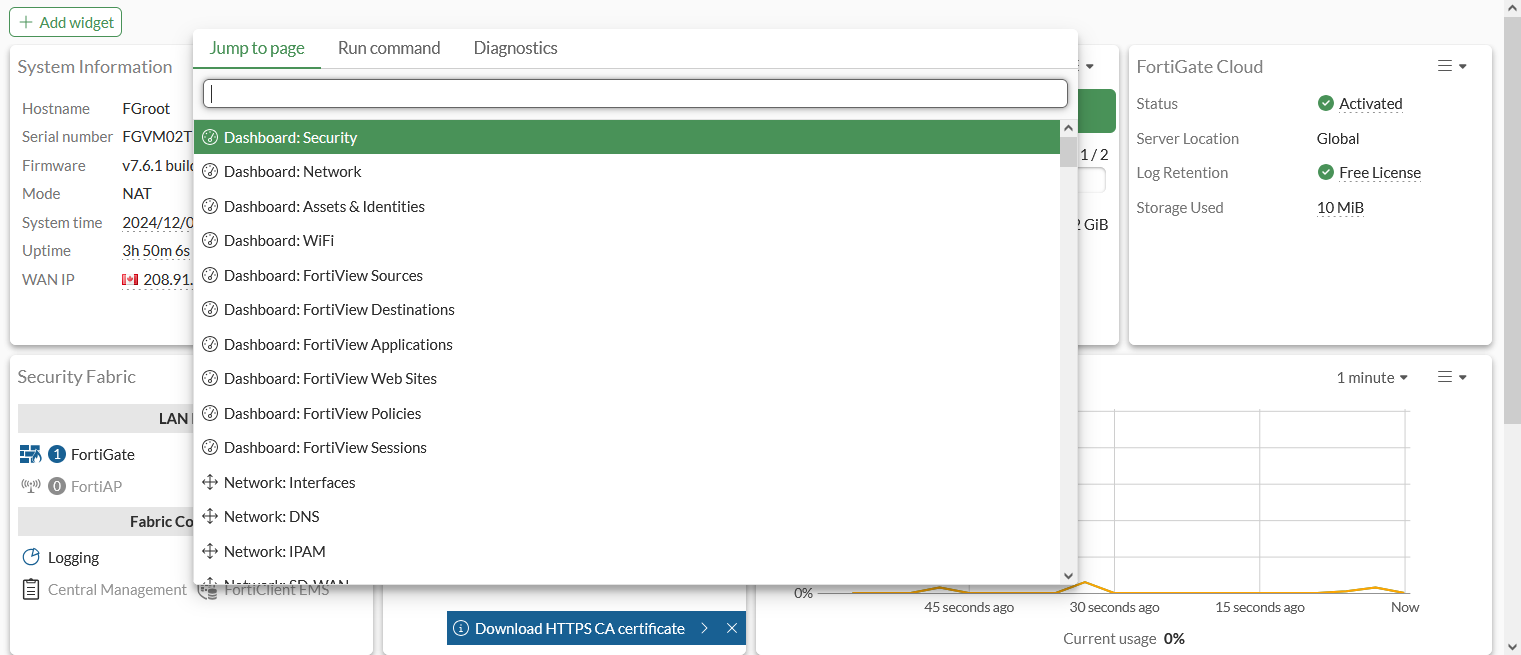
-
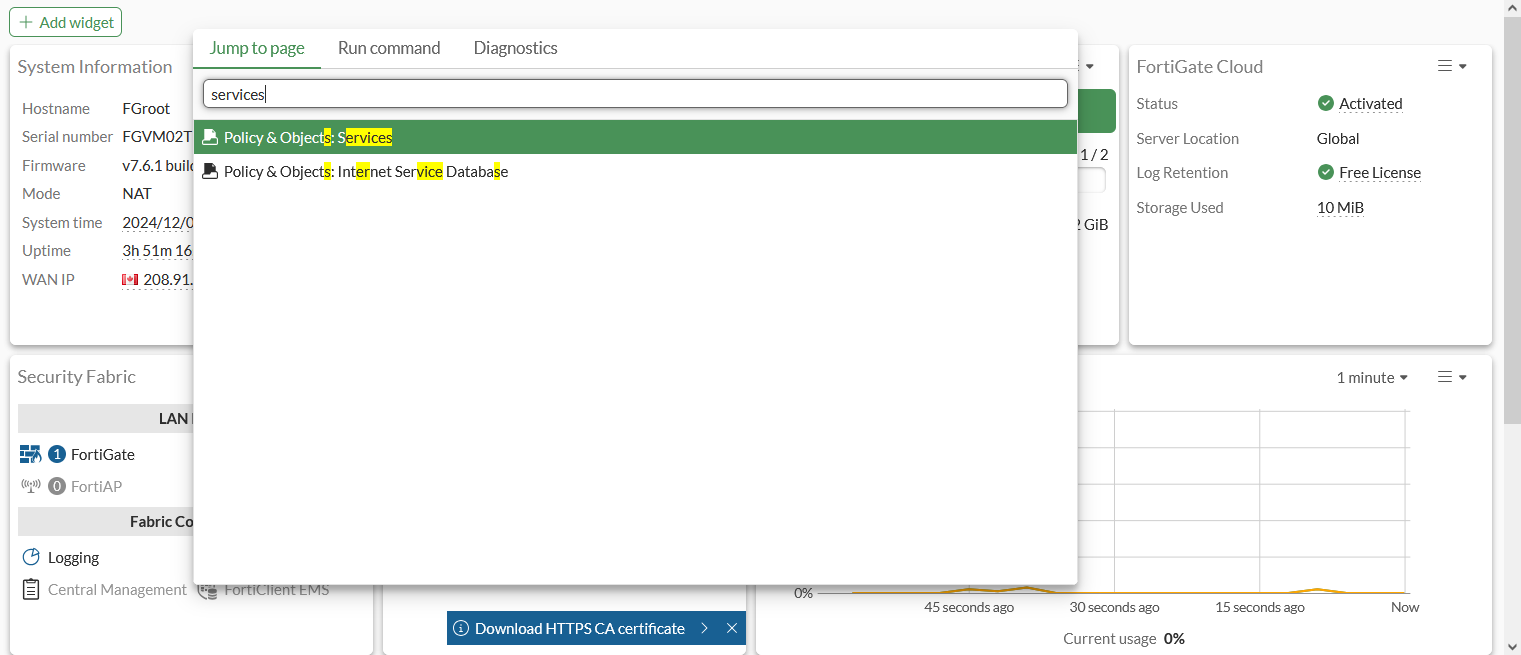
Enter the required destination, or browse the list for it.
-
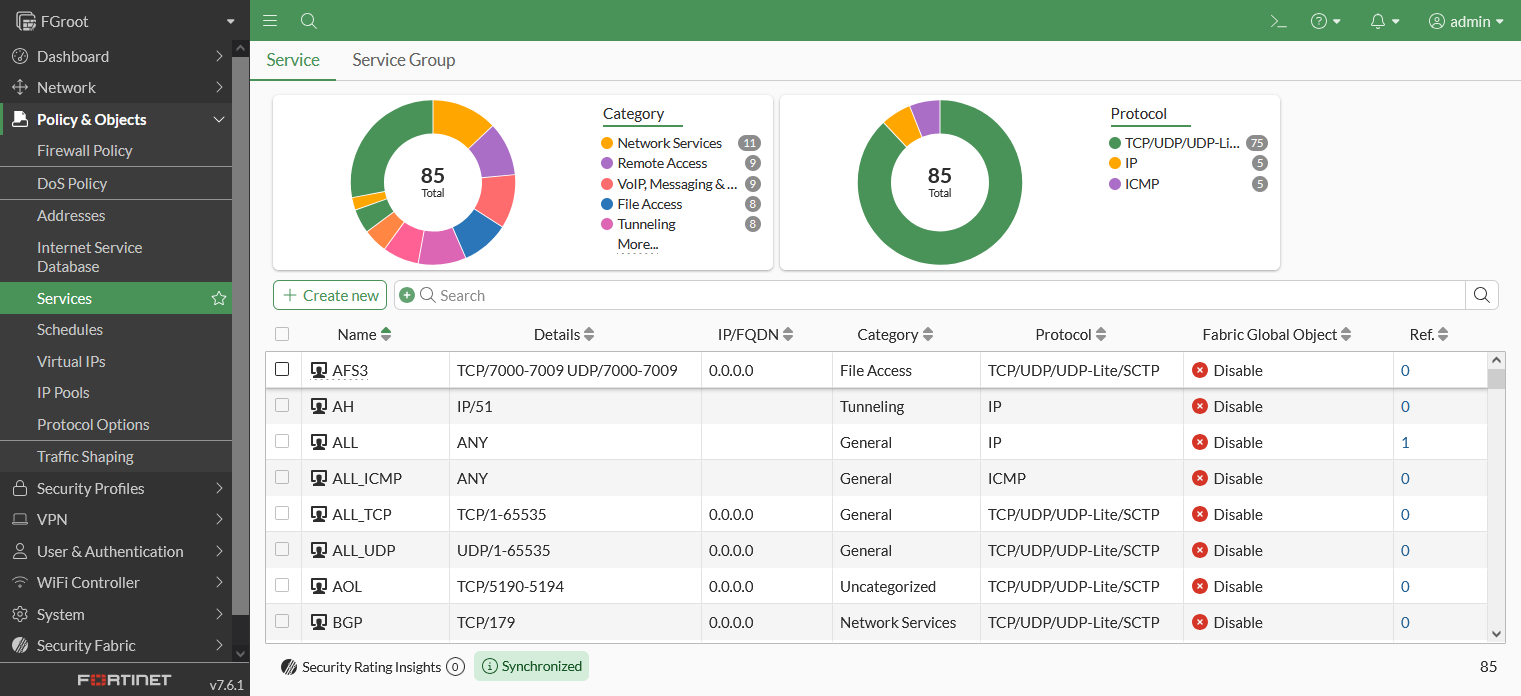
Click on the location to jump to the select GUI page.
To activate an action using the command palette:
-
Press
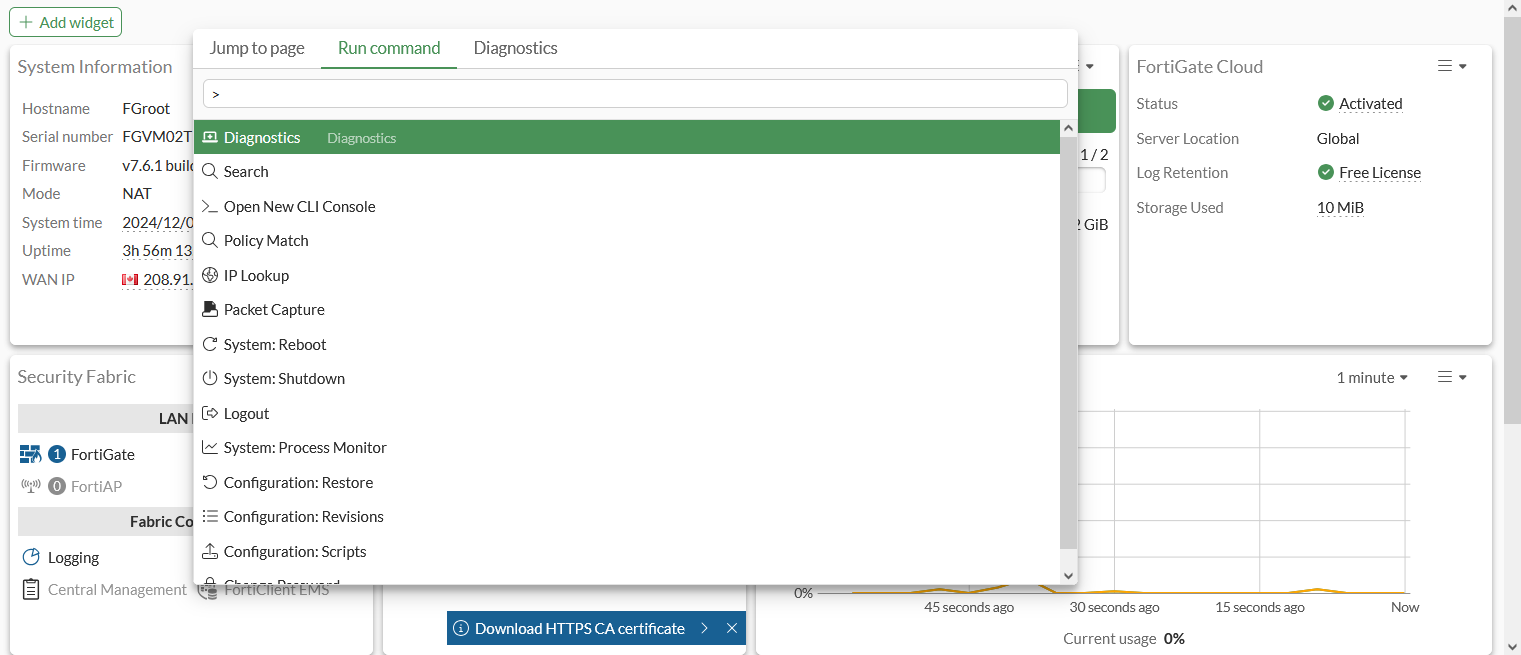
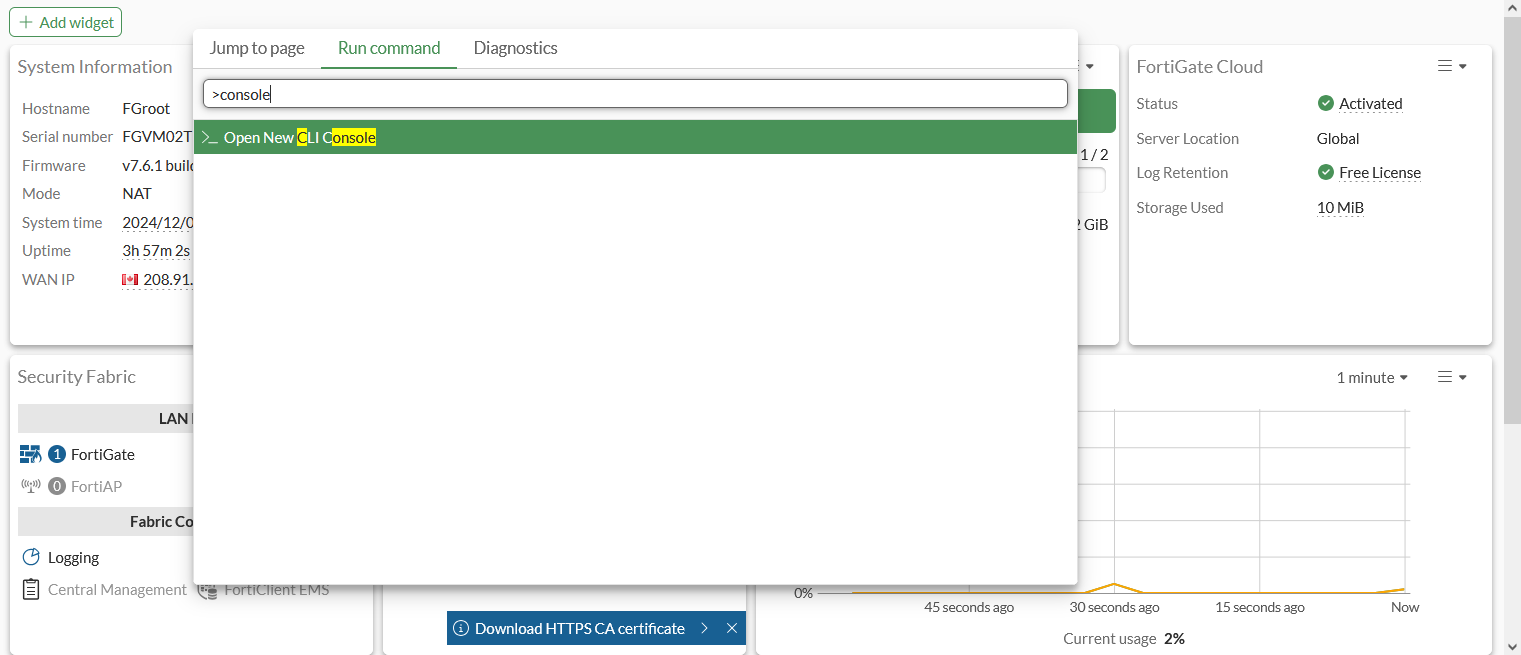
ctrl+p(orcmd+pfor Mac) and then enter a>, or select the Run command tab. On supported browsers,ctrl+shift+p(orcmd+shift+pfor Mac) can be used.The command palette is displayed with a runnable command list.
-
Enter the command key word, or browse the list for the command.
-
Click the result, or press
Enter, to run the action.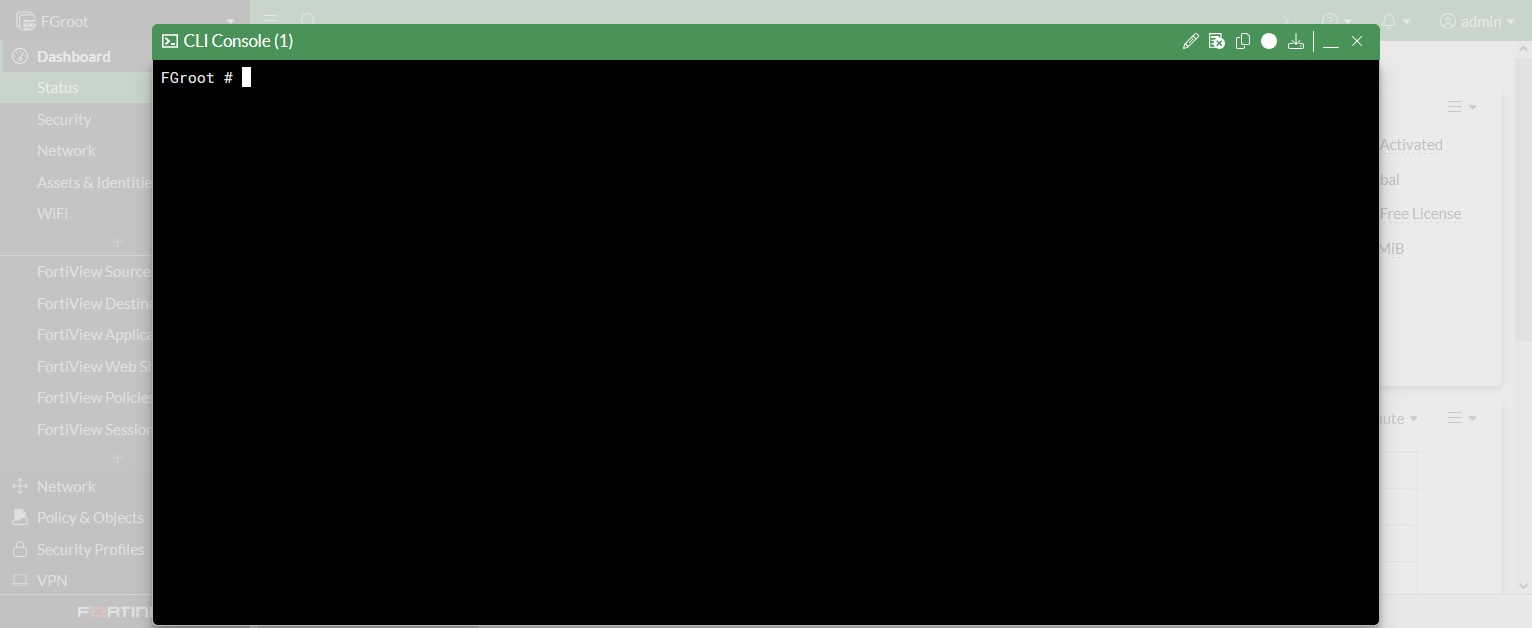
To use the Diagnostics command palette:
-
Press
ctrl+p(orcmd+pfor Mac) and then enter a/, or select the Diagnostics tab.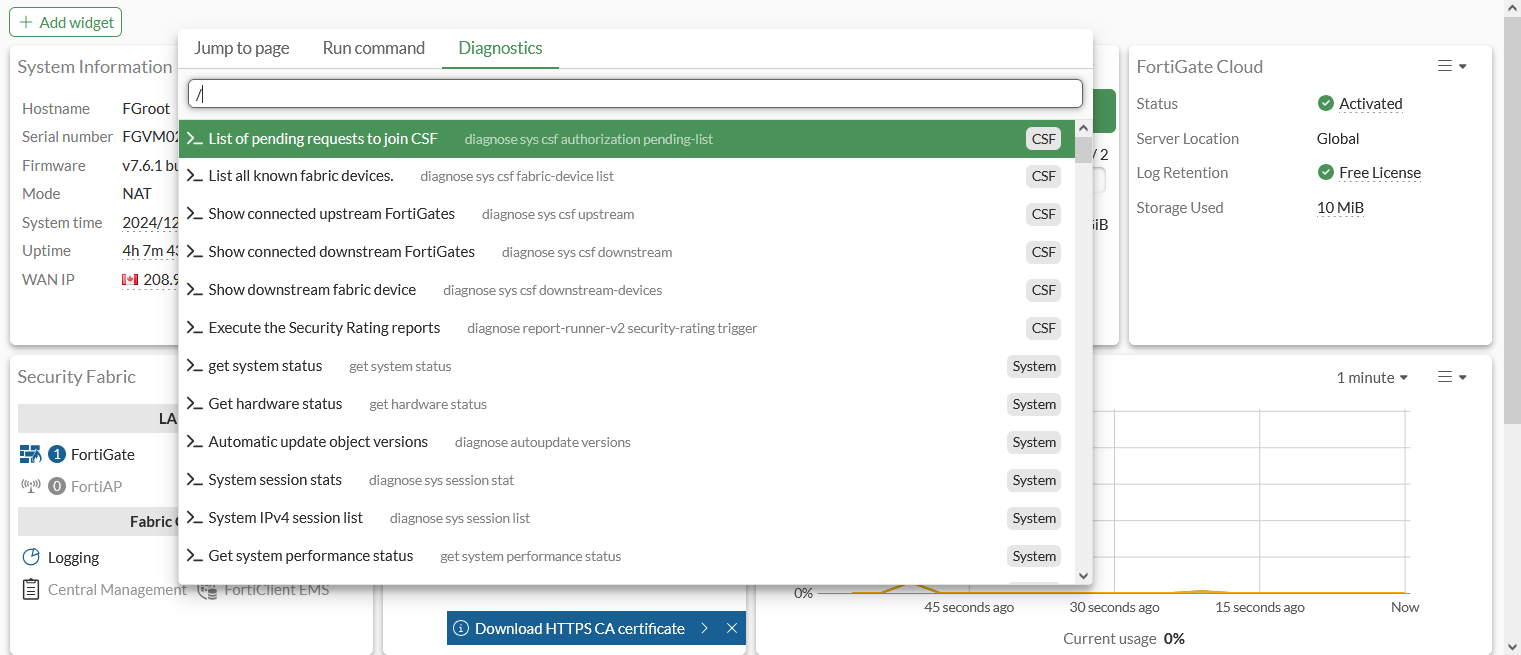
-
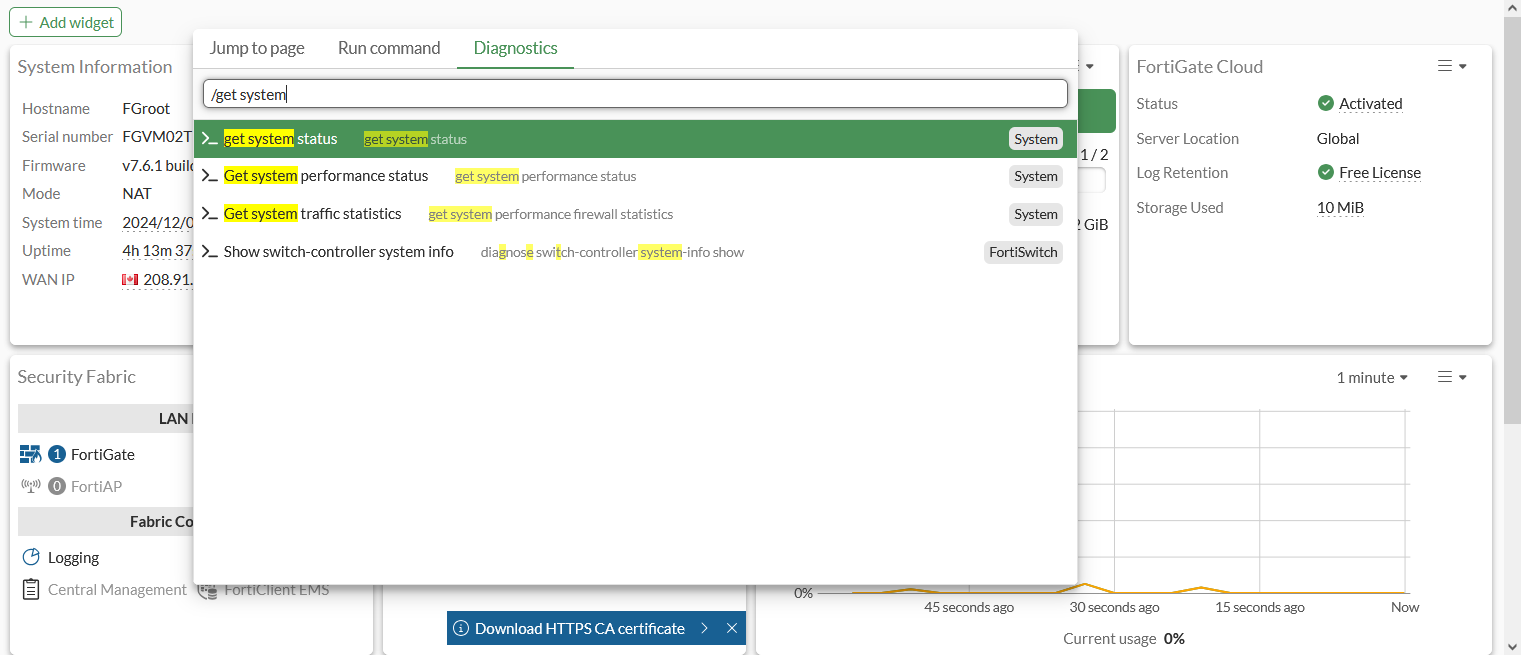
Enter the command name, or browse the list for the command.
-
Click the result, or press
Enter, to run the command.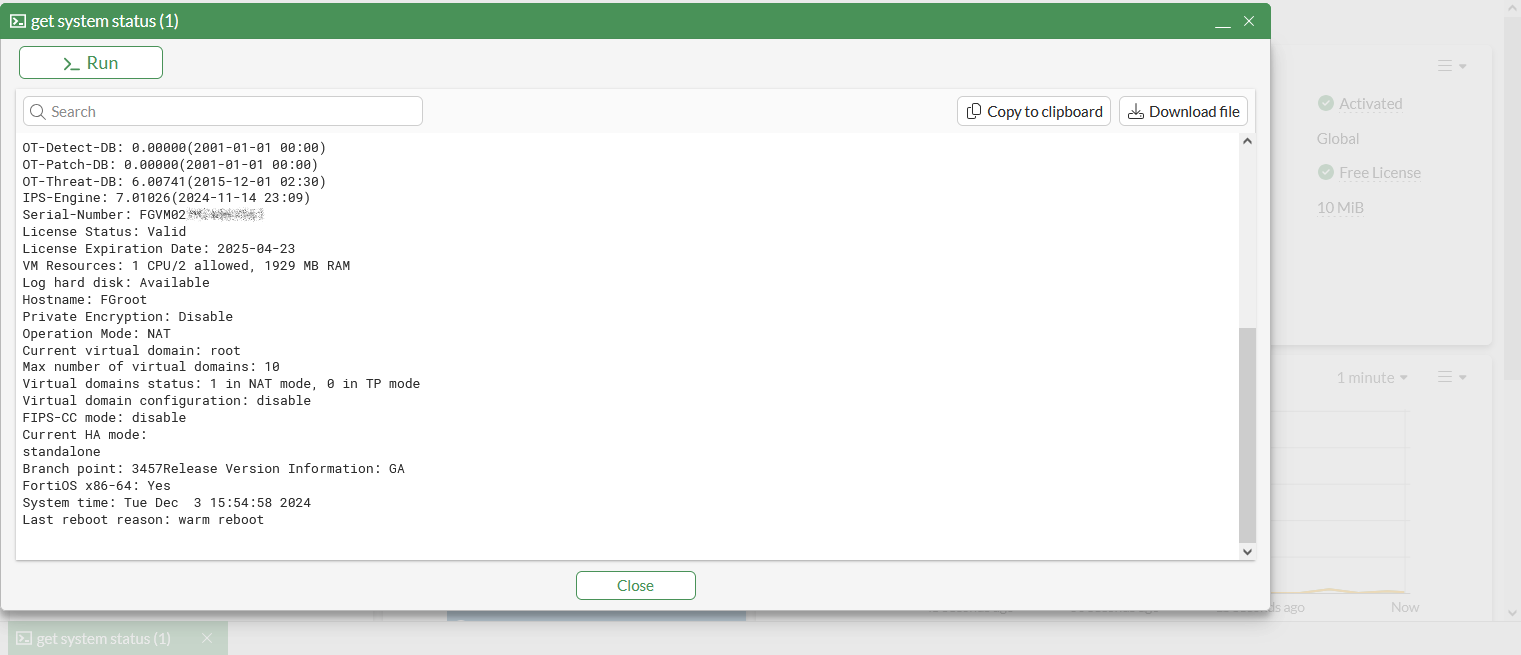
-
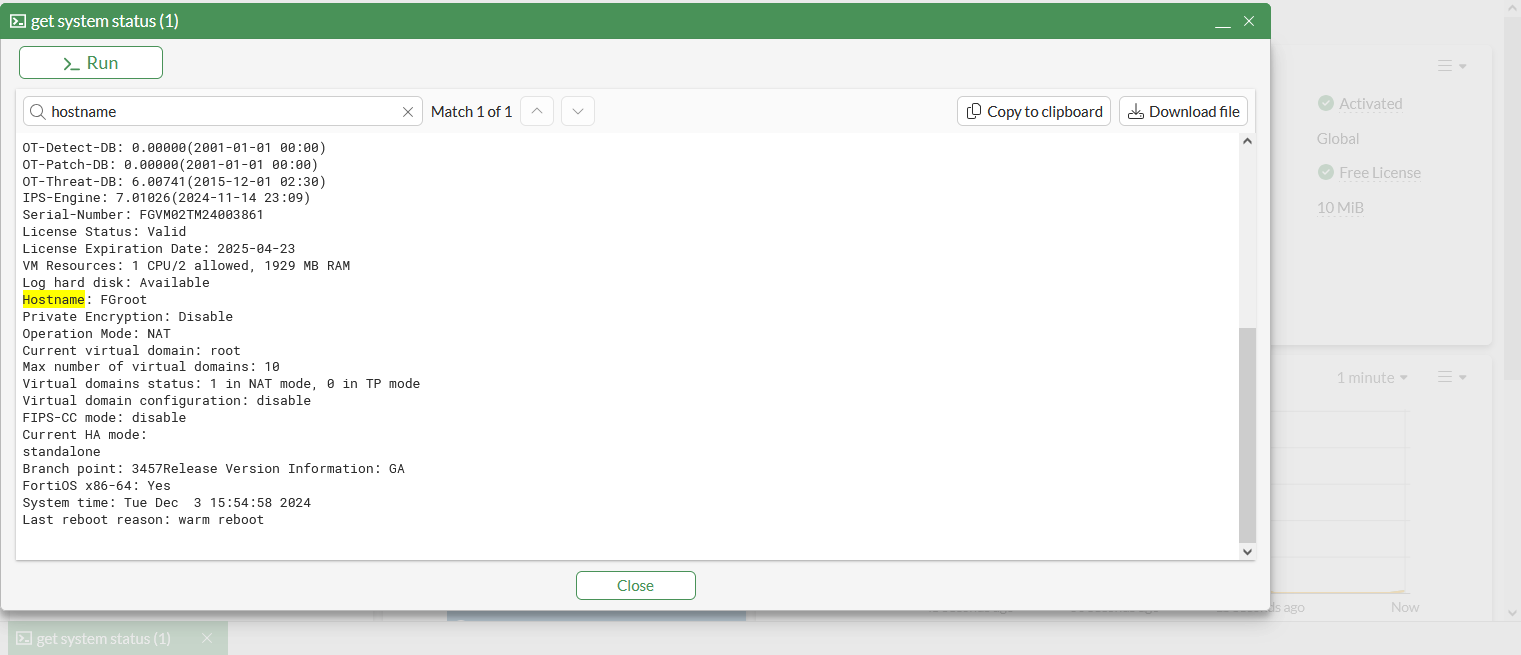
Enter a search string in the search field to search the command output.
-
Click Copy to clipboard to copy the output to the clipboard, or Download the file to download the output as a text file.
-
Click Run to run the command again.