
Fortinet white logo
Fortinet white logo

Accessing your FortiManager Cloud instance

Accessing your FortiManager Cloud instance

After deploying one or more FortiManager Cloud instances, you can access the instances through one of the methods below:

  1. Go to https://fortimanager.forticloud.com. After authentication, you are redirected to your own FortiManager Cloud instance.

  2. Go directly to your instance using the specific URL for your instance (e.g. https:://{account_id}.{region}.fortimanager.forticloud.com). You can obtain your instance's URL from your browser's address bar once you have accessed FortiManager Cloud through one of the previous methods.

  3. Access FortiManager Cloud through FortiCloud. See Access FortiManager Cloud through FortiCloud.

Access FortiManager Cloud through FortiCloud

To access FortiManager Cloud through FortiCloud:
  1. Go to FortiCloud (https://support.fortinet.com/), and use your FortiCloud account credentials to log in.

    The FortiCloud portal is displayed.

  2. From the Services menu, select FortiManager Cloud under Cloud Management.

    You are automatically logged in to your FortiManager instance.

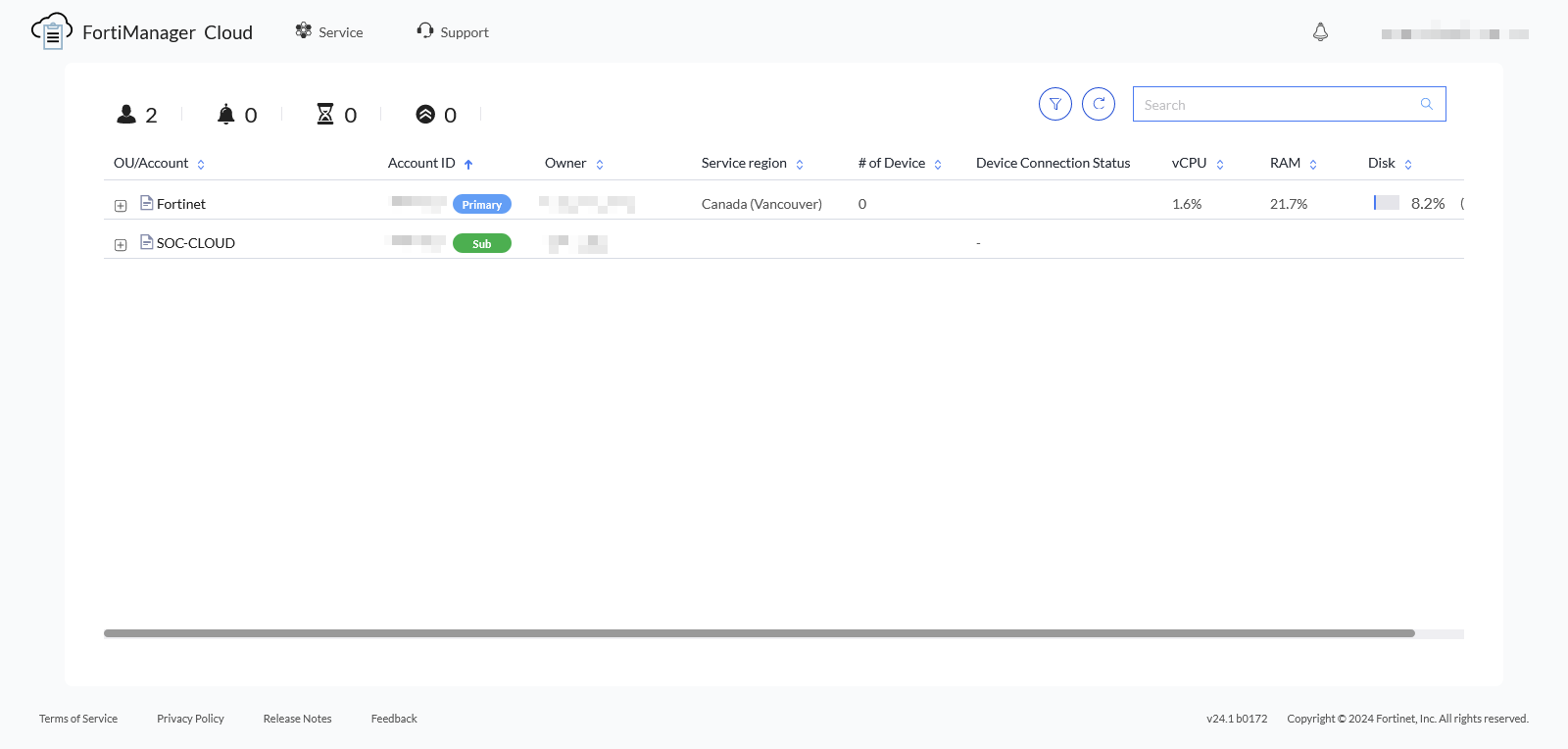
  3. You can navigate between accounts or return to the FortiManager Cloud portal using the options in the FortiManager Cloud toolbar. See Using the FortiManager Cloud toolbar.
Accessing your FortiManager Cloud instance

Accessing your FortiManager Cloud instance

After deploying one or more FortiManager Cloud instances, you can access the instances through one of the methods below:

  1. Go to https://fortimanager.forticloud.com. After authentication, you are redirected to your own FortiManager Cloud instance.

  2. Go directly to your instance using the specific URL for your instance (e.g. https:://{account_id}.{region}.fortimanager.forticloud.com). You can obtain your instance's URL from your browser's address bar once you have accessed FortiManager Cloud through one of the previous methods.

  3. Access FortiManager Cloud through FortiCloud. See Access FortiManager Cloud through FortiCloud.

Access FortiManager Cloud through FortiCloud

To access FortiManager Cloud through FortiCloud:
  1. Go to FortiCloud (https://support.fortinet.com/), and use your FortiCloud account credentials to log in.

    The FortiCloud portal is displayed.

  2. From the Services menu, select FortiManager Cloud under Cloud Management.

    You are automatically logged in to your FortiManager instance.

  3. You can navigate between accounts or return to the FortiManager Cloud portal using the options in the FortiManager Cloud toolbar. See Using the FortiManager Cloud toolbar.