Fortinet white logo
Fortinet white logo

Using FortiAI on FortiManager Cloud

Using FortiAI on FortiManager Cloud

The FortiAI service can only be enabled on FortiManager Cloud when a valid license has been registered on FortiCloud. Without a valid license, you will see an option to instead Purchase FortiAI License.

To use FortiManager on FortiManager Cloud:
  1. Register your FortiAI license on FortiCloud.
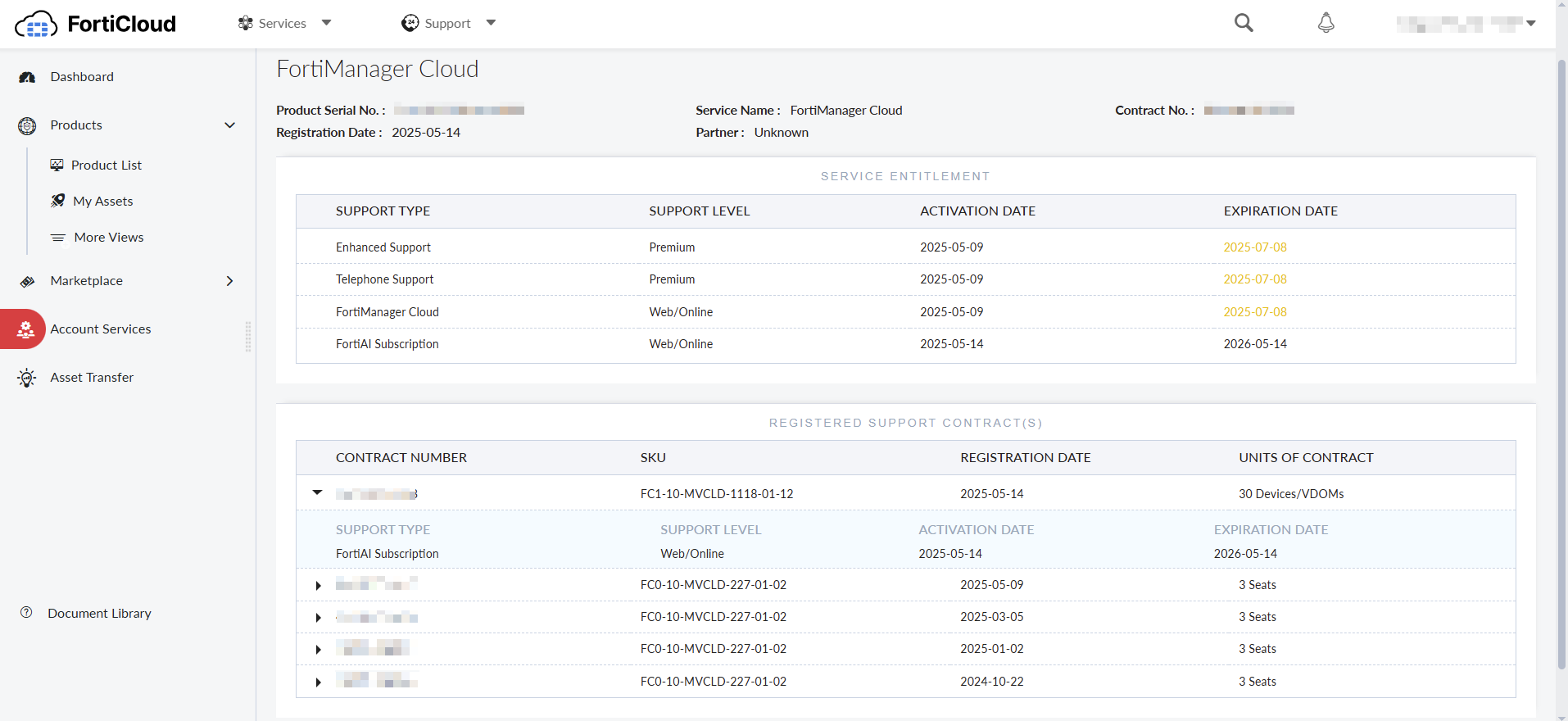
    After registration is complete, the FortiAI subscription can be found as a registered support contract within the FortiManager Cloud asset in FortiCloud.
  2. Go to FortiManager Cloud and enable the FortiAI service.

    1. Sign into FortiManager Cloud.

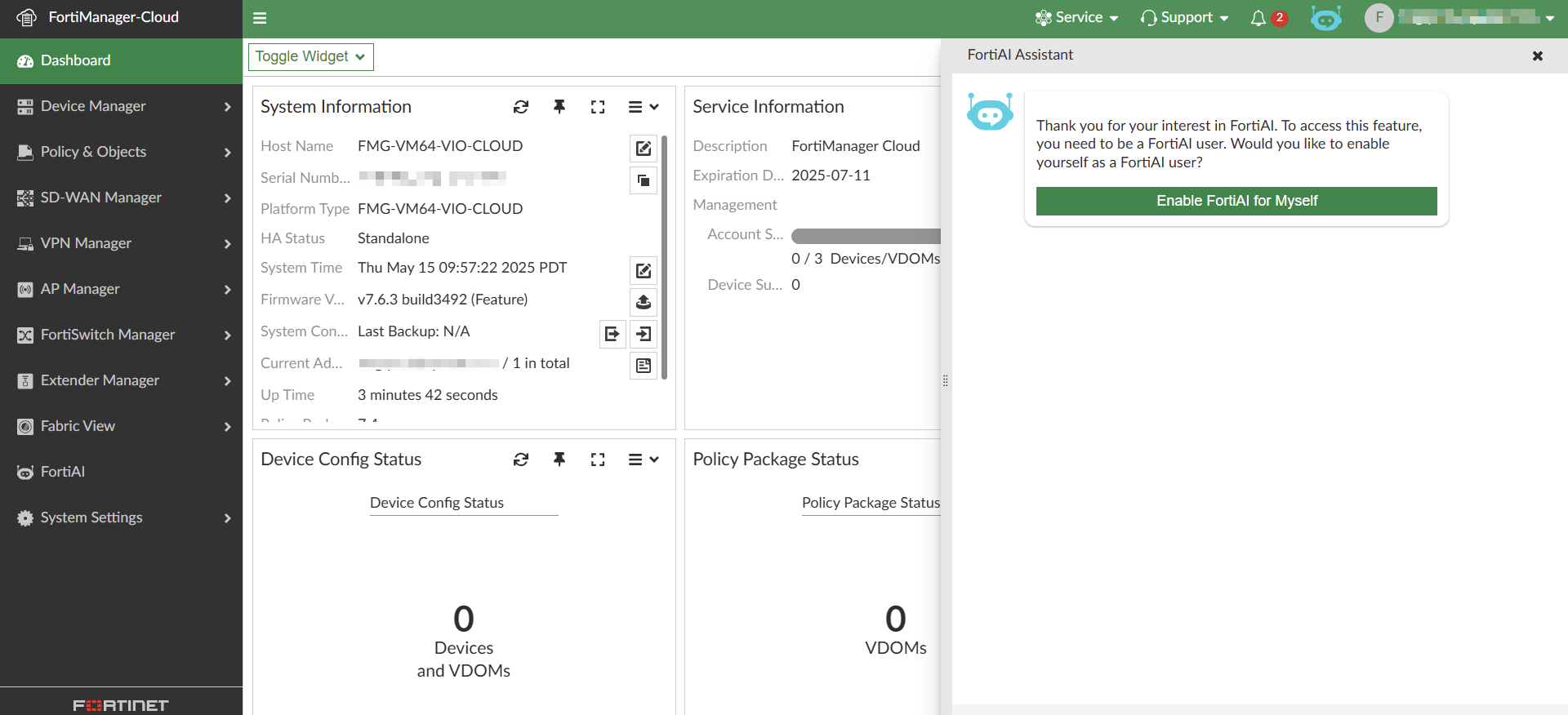
    2. Click on the FortiAI icon in the toolbar.

    3. Click Enable FortiAI for Myself.

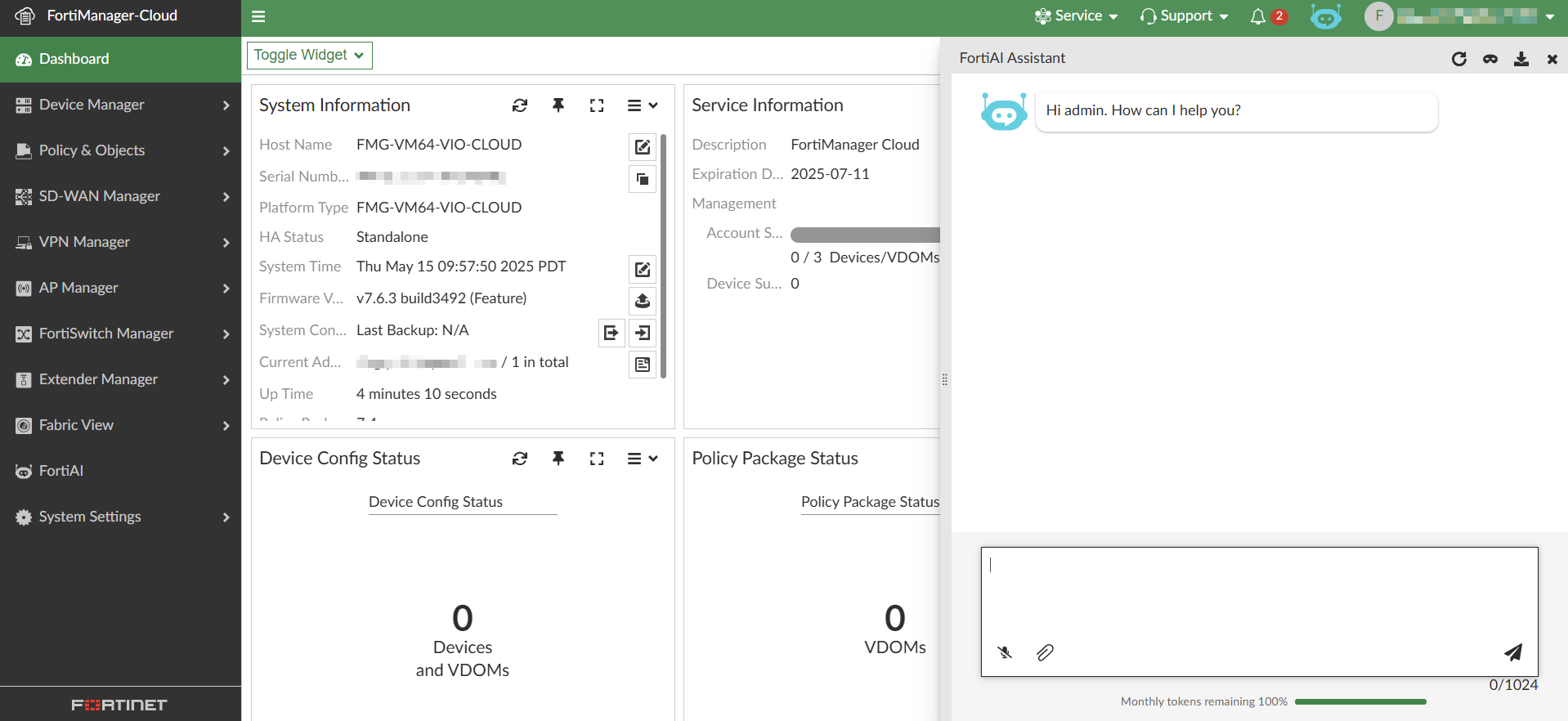
  3. Enter a query to begin using FortiAI.

Using FortiAI on FortiManager Cloud

Using FortiAI on FortiManager Cloud

The FortiAI service can only be enabled on FortiManager Cloud when a valid license has been registered on FortiCloud. Without a valid license, you will see an option to instead Purchase FortiAI License.

To use FortiManager on FortiManager Cloud:
  1. Register your FortiAI license on FortiCloud.
    After registration is complete, the FortiAI subscription can be found as a registered support contract within the FortiManager Cloud asset in FortiCloud.

  2. Go to FortiManager Cloud and enable the FortiAI service.

    1. Sign into FortiManager Cloud.

    2. Click on the FortiAI icon in the toolbar.

    3. Click Enable FortiAI for Myself.

  3. Enter a query to begin using FortiAI.