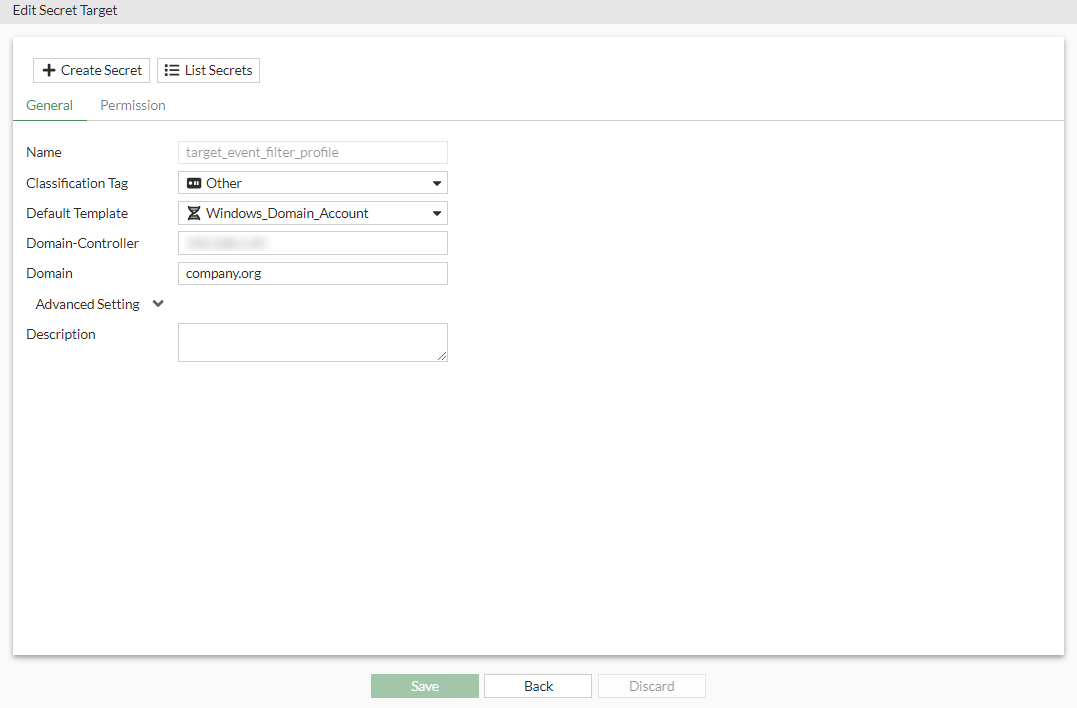
Creating a secret target
To create a secret target:
- Go to Secrets > Target List.
- Select Create to create a new target.
- In the General tab, enter the following information:
- In Name, enter a name for the secret target.
- In Classification Tag, from the dropdown, select a tag.
A classification tag is used to classify targets.
- In Default Template, we select Windows_Domain_Account.
Windows_Domain_Account is a custom template with Domain-Controller and Domain fields.
- In Domain-Controller, enter the IP address of the target machine.
- In Domain, enter the domain name for the target machine.
- Click Submit.