Launching a secret for the Cisco router
To launch a secret for the Cisco router:
-
In Secrets > Secrets, select the newly created secret, and select Launch Secret.
Alternatively, right-click the secret and then select Launch Secret.
- In Launch Progress, select PuTTY to gain access to Cisco router.
Alternatively, you can also select the Web SSH launcher.
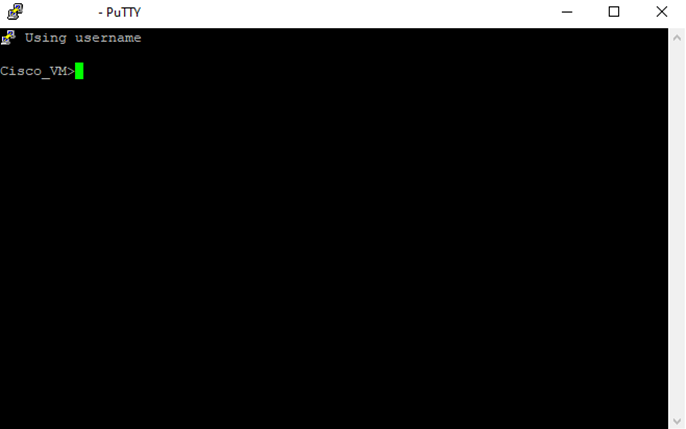
PuTTY is launched. You are now successfully connected to the Cisco terminal via SSH.