Launching the secret
We launch the secret created in Creating a secret to connect to FortiAuthenticator.
To launch the secret:
- Go to Secrets > Secrets.
- From the list double-click to open the secret created in Creating a secret to connect to FortiAuthenticator.
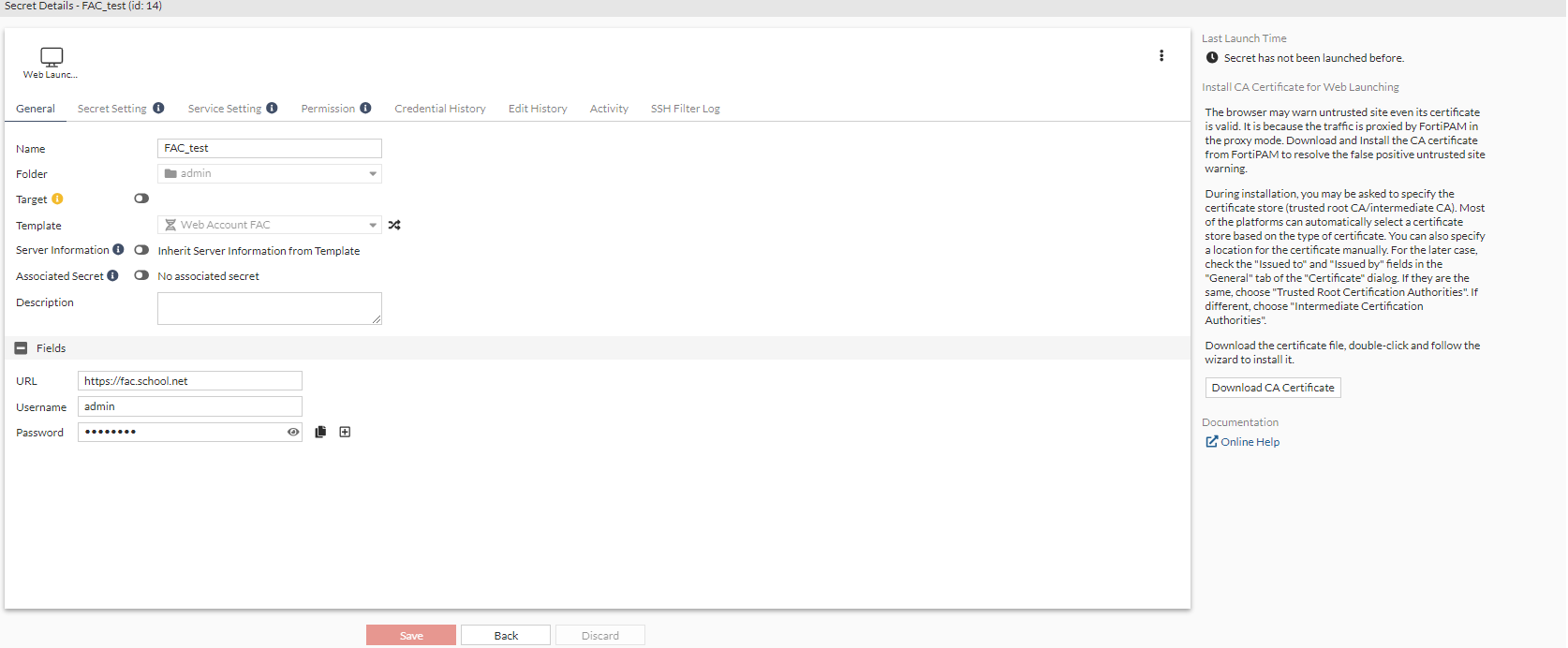
- From the top, select Web Launcher to launch the secret.
A new browser tab opens.
- In the FortiAuthenticator login page, click Username/Password fields, click Use FortiPAM session credentials to fill in the credentials, and click Login.
You are now logged in to FortiAuthenticator.

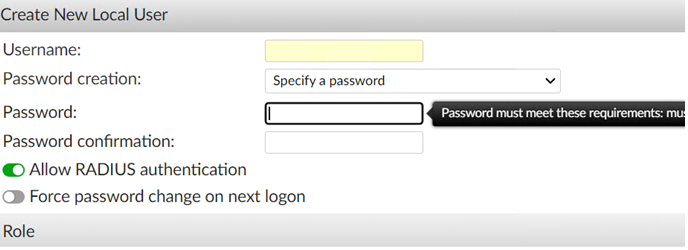
On FortiAuthenticator, when you create a user and try to enter user name/password, the FortiPAM extension does not auto fill in the user name/password.