Using the Secret Credential View automation stitch
To use the Secret Credential View automation stitch:
- Go to Log & Report > Automation.
- From the list, select Secret Credential View, and select Enable.
- Go to the Action tab.
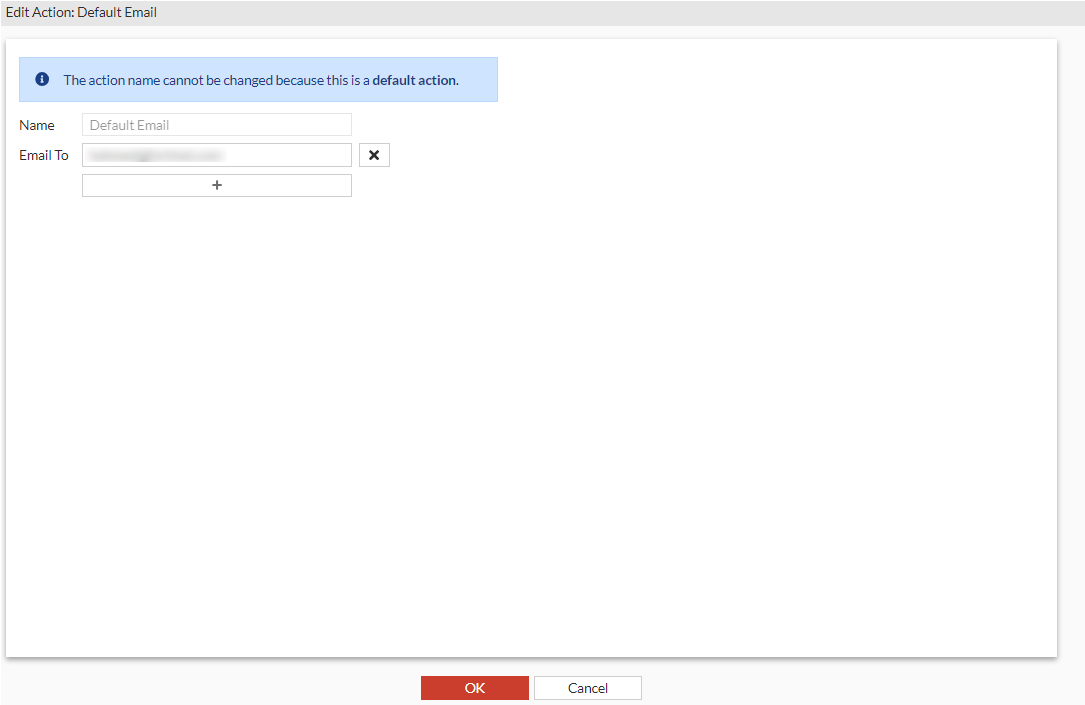
- Since the Secret Credential View stitch uses Default Email action, double-click Default Email to edit it.
The Edit Action: Default Email window opens.
- In Email To, enter the recipient email address.
- Click OK.