

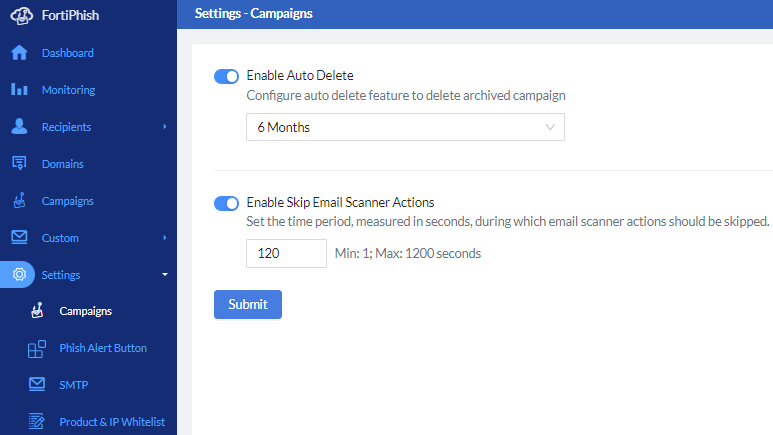
Enable Skip Email Scanner Actions
The third-party scans can sometimes trigger the FortiPhish system to incorrectly register an email as clicked, even if the user has not interacted with it. To avoid this, you can set a delay (in seconds) during which email scanner activities such as opening email, clicking links, and opening attachments are skipped. This setting reduces the false positives caused by third-party applications that scan emails for malicious content.
During the delay, emails are labeled as Email Scanned at [timestamp] in the user timeline details in FortiPhish GUI. After the delay, normal email activity display resumes, allowing you to focus on genuine user behavior.
To enable skip email scanner actions:
-
Navigate to Settings > Campaigns page.
-
Enable the Enable Skip Email Scanner Actions toggle.
-
Enter the delay time (in seconds).
-
Click Submit.

|
|