

SSH policy matching
SSH policy check is disabled by default, and can be enabled in transparent and explicit-web policies. When it is enabled, SSH policy matching will only match the SSH policy.
The SSH Policy Redirect (ssh-policy-redirect) command is no longer available.
To configure SSH policy check in the CLI:
config firewall policy
    edit <policy>
        set ssh-policy-check {disable | enable}
    next
end
To configure SSH policy check in the CLI:
-
Go to Policy & Objects > Policy.
-
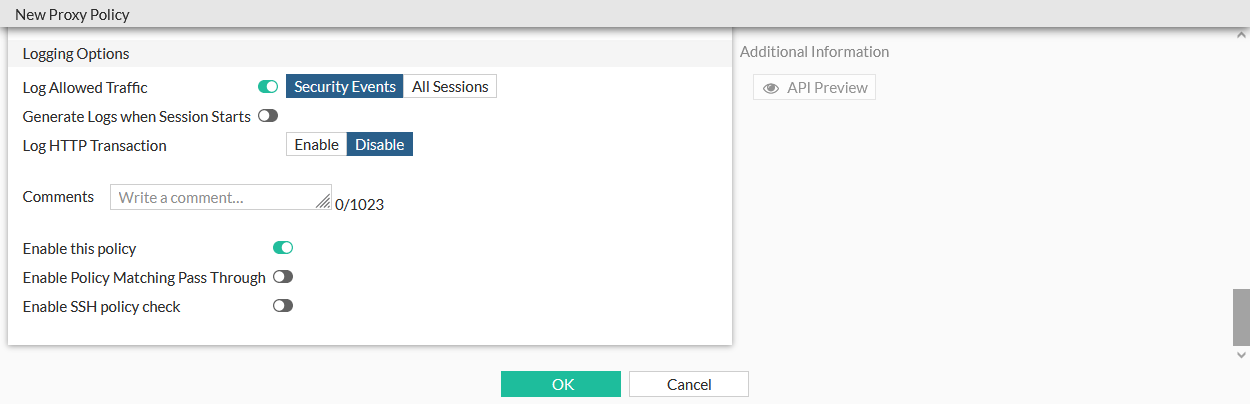
Edit a transparent or explicit policy, or create a new policy and set Type to Transparent or Explicit.
-
Enable or disable Enable SSH policy check.
-
Click OK.