
Fortinet white logo
Fortinet white logo

User Guide

Manually adding CVEs

Manually adding CVEs

You can bulk add CVEs to monitor in the Vulnerability exposure > CVEs added Manually tab on the ACI > Vulnerability Intelligence page.

To manually add CVEs:
  1. Go to ACI > Vulnerability Intelligence.

  2. Click Manage CVEs Watchlist. The Manage CVEs dialog is displayed.
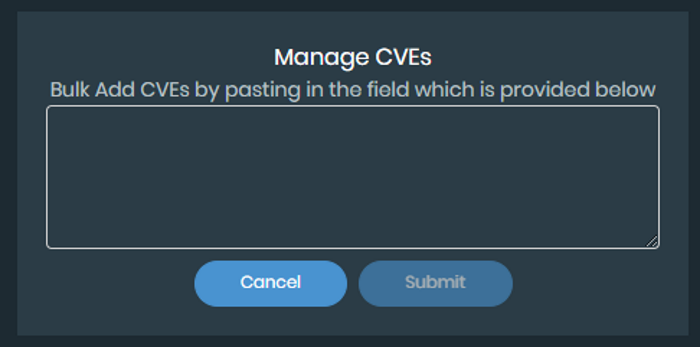
  3. Enter the CVE IDs in the text field.

  4. Click Submit.

Manually adding CVEs

Manually adding CVEs

You can bulk add CVEs to monitor in the Vulnerability exposure > CVEs added Manually tab on the ACI > Vulnerability Intelligence page.

To manually add CVEs:
  1. Go to ACI > Vulnerability Intelligence.

  2. Click Manage CVEs Watchlist. The Manage CVEs dialog is displayed.

  3. Enter the CVE IDs in the text field.

  4. Click Submit.