

Vulnerability exposure
Monitored CVEs can be reviewed at a high level from the Adversary Centric Intelligence > Vulnerability Intelligence page in the Vulnerability exposure section:
-
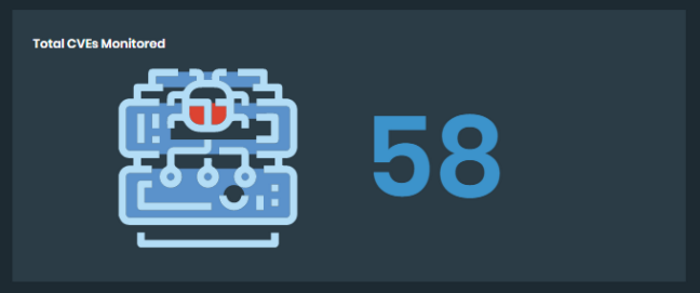
Total CVEs Monitored: This tile displays the total count of monitored CVEs.
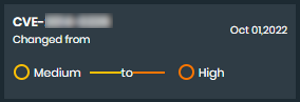
When the severity status of a CVE is changed, a flash tile will appear to show the updates.
-
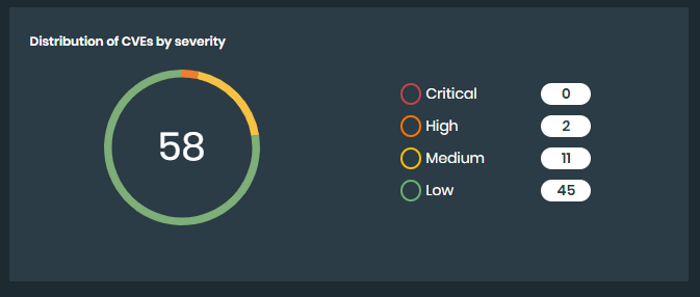
Distribution of CVEs by severity: This tile displays a graph of CVEs to show the total count of CVEs per rating, from Low to Critical.
-
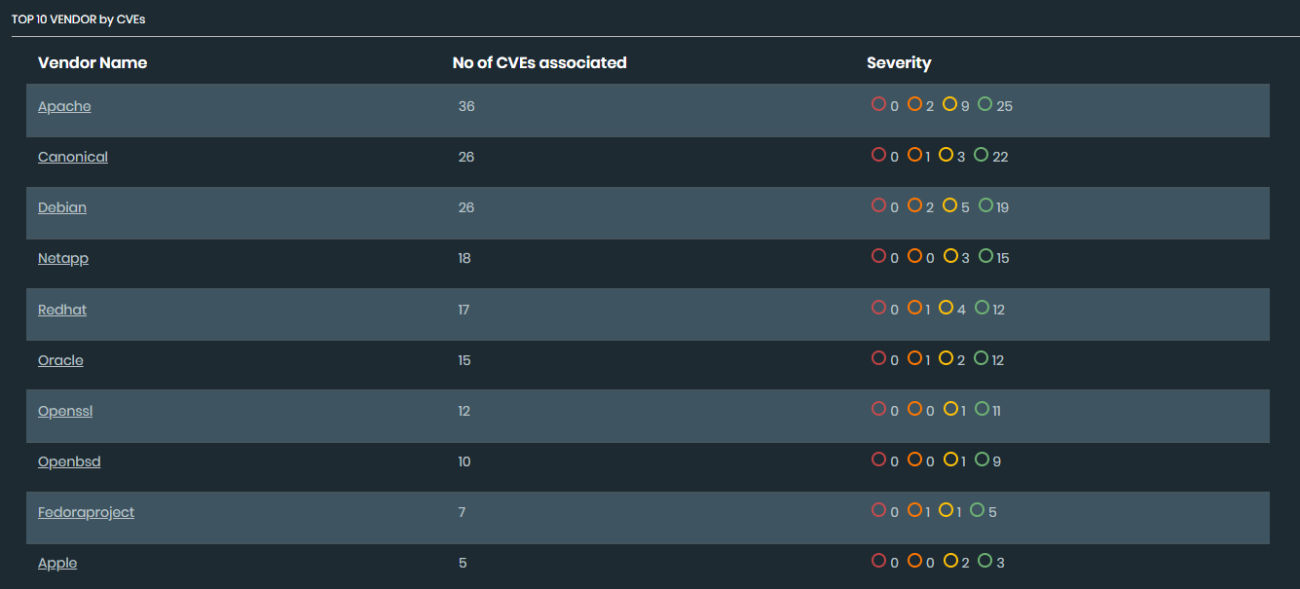
Top 10 vendors by CVEs: Displays a list of the vendors with the most CVEs monitored and the severity range from Low to Critical. Select a Vendor Name or Severity to view more information.
-
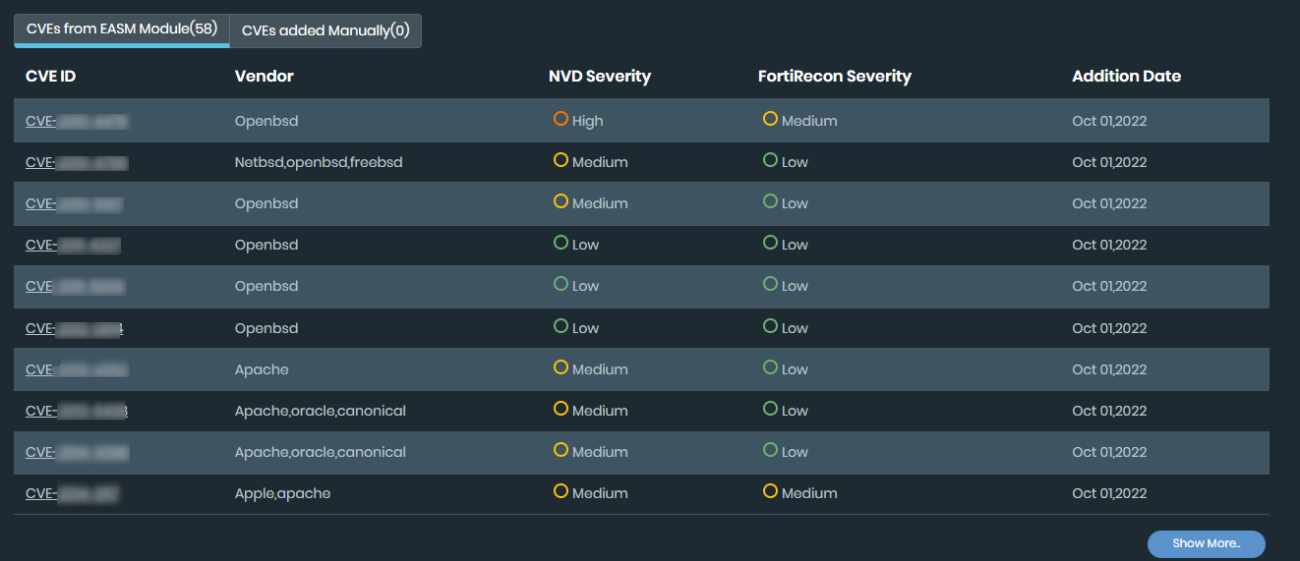
CVEs from EASM Module: Displays a list of automatically monitored CVEs. Select the CVE ID or Show More button to view more information.
-
CVEs added Manually: Displays a list of CVEs added by the user.