

Adding a card BIN
You can add new BINs in the Card BIN tab, as needed. BINs must be six to eight characters long.
To add a new card BIN:
-
Go to Profile Settings > Seeds > Card BIN.
-
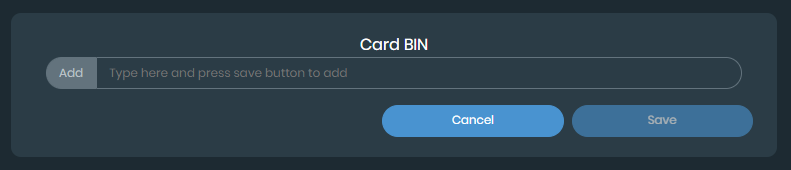
Click Add. The Card BIN window is displayed.
-
Enter the BIN in the Add text box.
-
Click Save. The card BIN is added.
To bulk upload card BIN:
-
Go to Profile Settings > Seeds > Card BIN.
-
You can use a Microsoft Excel file to upload bulk information to the Seeds page. The Microsoft Excel file requires a specific format, and you can download a sample file to review the needed format. Select Download Sample XLS in the tab.
-
Select Upload XLS in the tab.

Your computer file explorer is displayed.
-
Select the file and click Open. The data entries are displayed in the selected Seeds tab.