

Encryption key settings
To access PCAP Encryption Keys settings:
- Go to Settings > Account Management.
- Select an account.
- On the left navigation, select Settings.
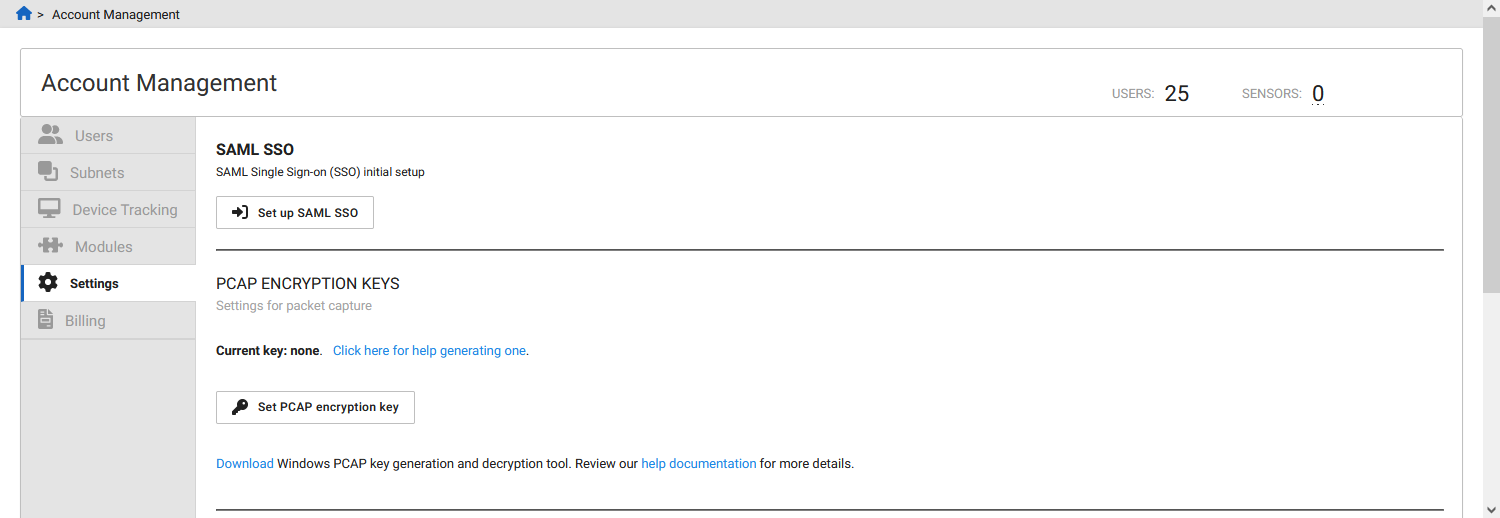
The Set PCAP encryption key button will only appear for the Admin role.