

2. Activating
 Activate your Managed FortiGate Service by doing the following:
Unbox and install
Install Fortinet appliances at designated locations.
-
Unpacking and Physical Installation
-
Unbox the appliances carefully keeping all packaging.
-
Check the content against the packing list.
-
Mount the appliances in the designated rack space.
-
Connect power cables to the appliances and a suitable power source.
-
-
Initial Configuration and Cabling
-
Follow the FortiGate Administration Guide > Getting Started guide to have your FortiGate up and running with internet access and a basic configuration.
-
Install a firmware version on the FortiGate that is compatible with the Managed FortiGate Service. See Requirements for a list of supported firmware versions.
-
Connect the network cables to the appliances as specified in the network diagram created during the Initial assessment phase.
-
Creating a FortiCloud account
Activating Managed FortiGate Service requires a FortiCloud account, a centralized login system provided by Fortinet.
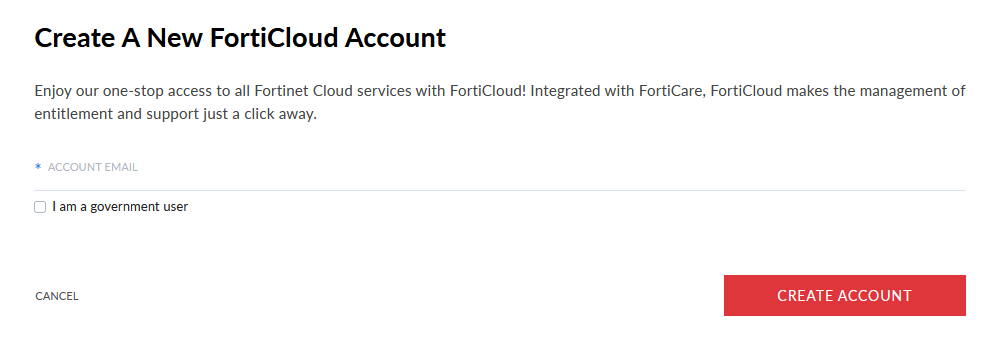
If you don't already have a FortiCloud account, go to FortiCloud and click Create Account. Follow the instructions to create your FortiCloud account.
Register your FortiGate device and Managed FortiGate Service license
Now that you have created your FortiCloud account, you can register your FortiGate device and Managed FortiGate Service license.
To register your FortiGate device:
Follow the registration process outlined in the online documentation.
To register your Managed FortiGate Service license:
- While signed in to your FortiCloud account, go to Products > Product List and click Register More.
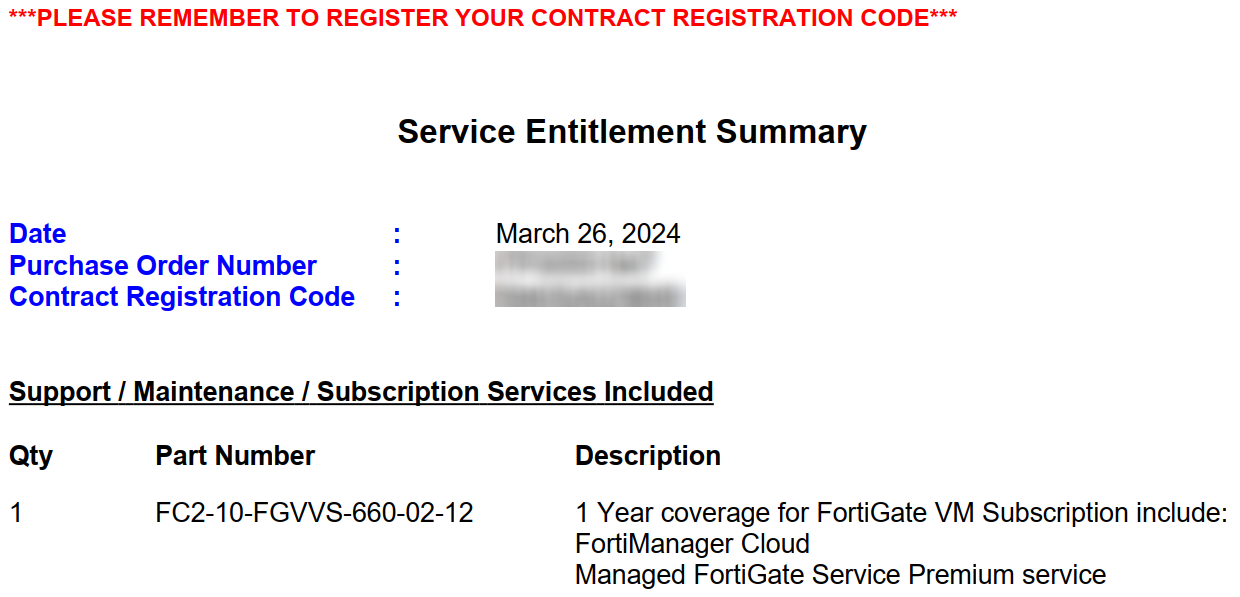
- You should have received an email with your Service Entitlement Summary document. The document includes a Contract Registration Code. In the FortiCloud Registration Code field, enter the Contract Registration Code value from your Service Entitlement Summary.
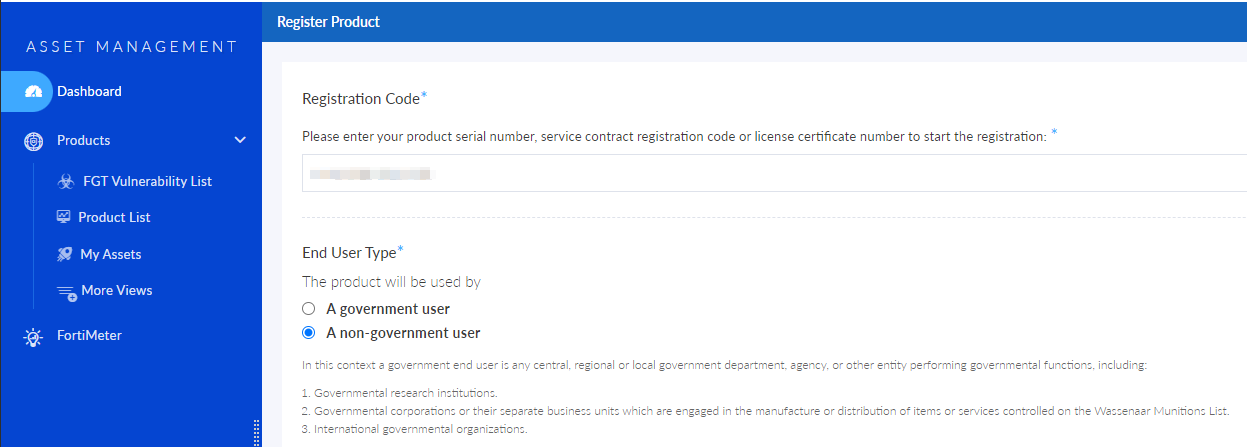
- Continue with the remaining instructions to register your Managed FortiGate Service license.

|
For more information about entitlement registration, please see:
|