
Fortinet white logo
Fortinet white logo

Generating reports

Generating reports

When you are finished collecting log data from the customer's network, a report can be generated to outline the current status of the network, such as network utilization, suspicious behavior, threat prevention, and so on.

To generate a report:
  1. Go to Assessments.

  2. For the assessment you want to generate a report for, click the Assessment Name.

  3. In the Reports on FortiAnalyzer section, click Generate Report. The report will be generated.
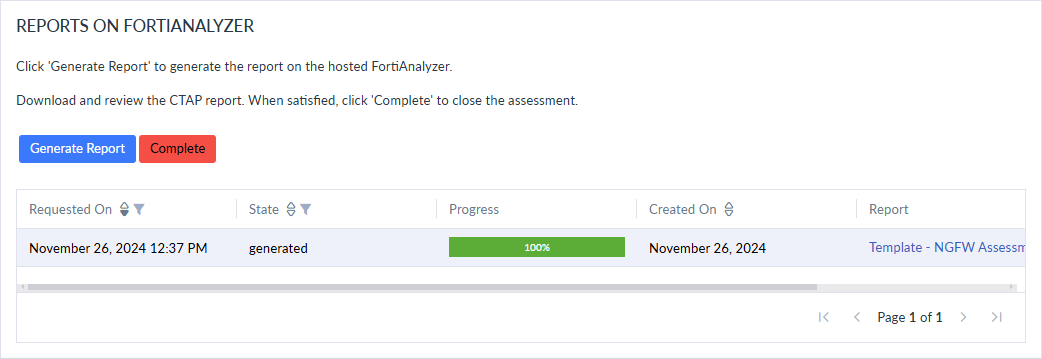
    The assessment Stage will display Report Ready when the report generation has completed.

  4. Download the report.

  5. Click Complete when the assessment is done.

Generating reports

Generating reports

When you are finished collecting log data from the customer's network, a report can be generated to outline the current status of the network, such as network utilization, suspicious behavior, threat prevention, and so on.

To generate a report:
  1. Go to Assessments.

  2. For the assessment you want to generate a report for, click the Assessment Name.

  3. In the Reports on FortiAnalyzer section, click Generate Report. The report will be generated.

    The assessment Stage will display Report Ready when the report generation has completed.

  4. Download the report.

  5. Click Complete when the assessment is done.