Network Interface
You can configure FortiAIOps with 4 active physical interfaces for VM deployments. The administrators can configure access protocols like HTTP, HTTPS, and so on, on a per interface basis. Navigate to System > Network.
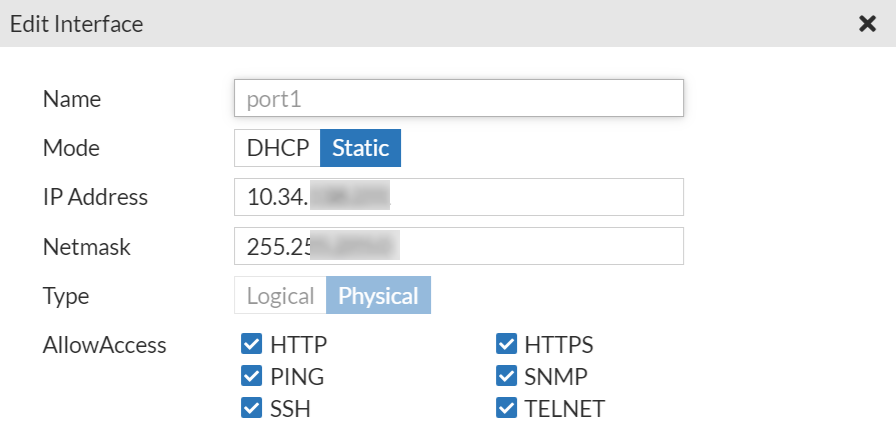
Select a port and click Edit to modify the following settings as required.
-
Mode - Configure the port IP address mode; Static or DHCP.
-
IP Address & Netmask - Enter the IPv4 address and netmask associated with this interface.
-
AllowAccess - Select the allowed administrative access protocols from the following.
-
SSH
-
HTTP
-
HTTPS
-
Ping
-
SNMP
-
Telnet
-
Click Update.
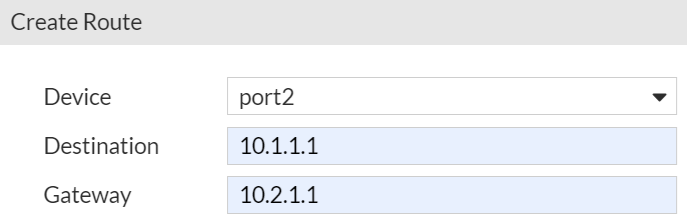
In the Static Routes tab, you can create a default route to your network gateway on the interface that connects to the gateway. You can create, edit, or delete routes as required.
-
Device - Select the network interface that connects to the gateway.
-
Destination - The destination IP address and netmask for this route.
-
Gateway - Enter the IP address of the next hop router to which this route directs traffic
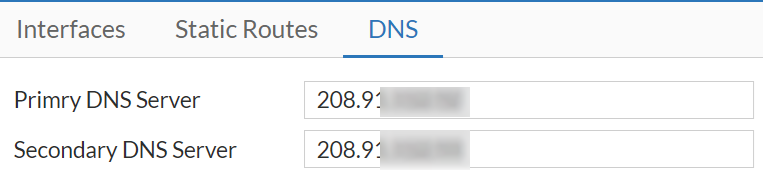
You can configure the DNS server settings. Enter the IP addresses for the Primary DNS Server and Secondary DNS Server.