WebSocket for Security Fabric events
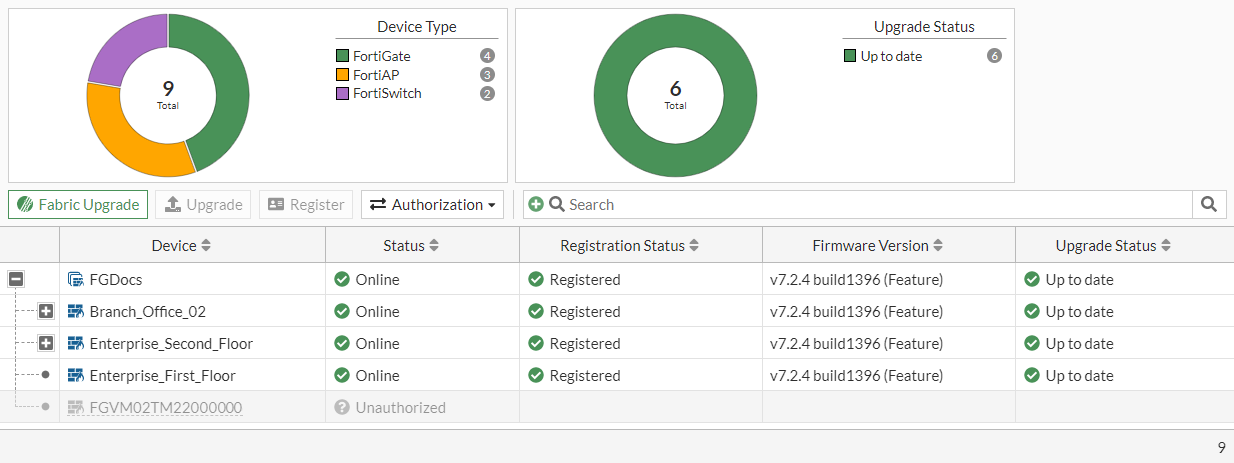
With the WebSocket for Security Fabric events, subscribers to the WebSocket (such as the Firmware & Registration page) are updated upon new Fabric events and alert users to reload the page.
Example
To deauthorize a downstream FortiGate:
-
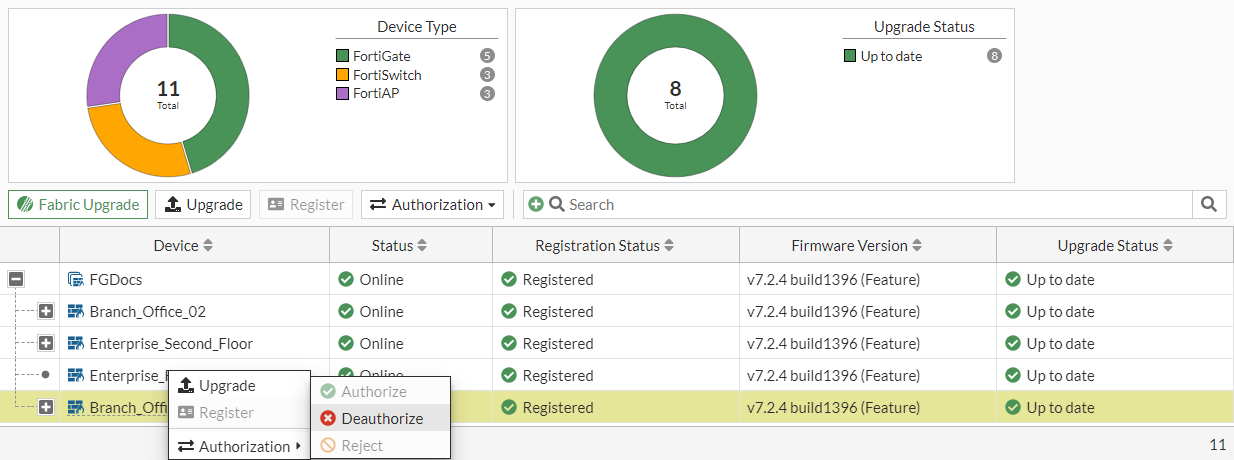
Go to System > Firmware & Registration and select a downstream FortiGate in the table.
-
Right-click on the device and select Authorization > Deauthorize.
-
An alert appears in the bottom-right corner of the page. Click Reload Now to refresh the page.
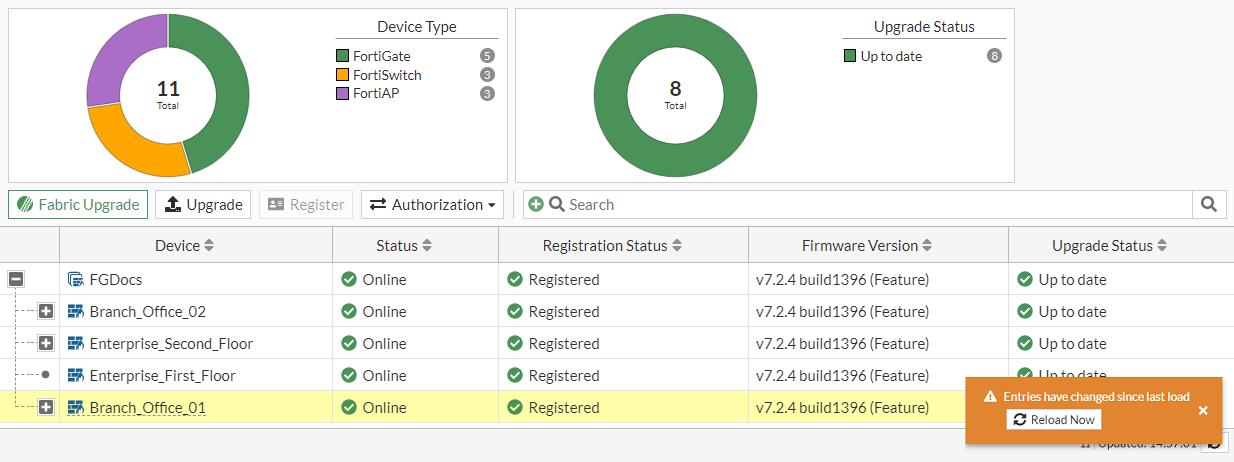
The deauthorized FortiGate's status is now listed as Unauthorized.