

Enable secure LDAP connection by default in the GUI
In LDAP configurations in the GUI, STARTTLS is selected by default, and there is no option to disable secure connection. Disabling secure connection can still be done in the CLI. After upgrading from an older FortiOS version, if secure connection was disabled then it will remain disabled.
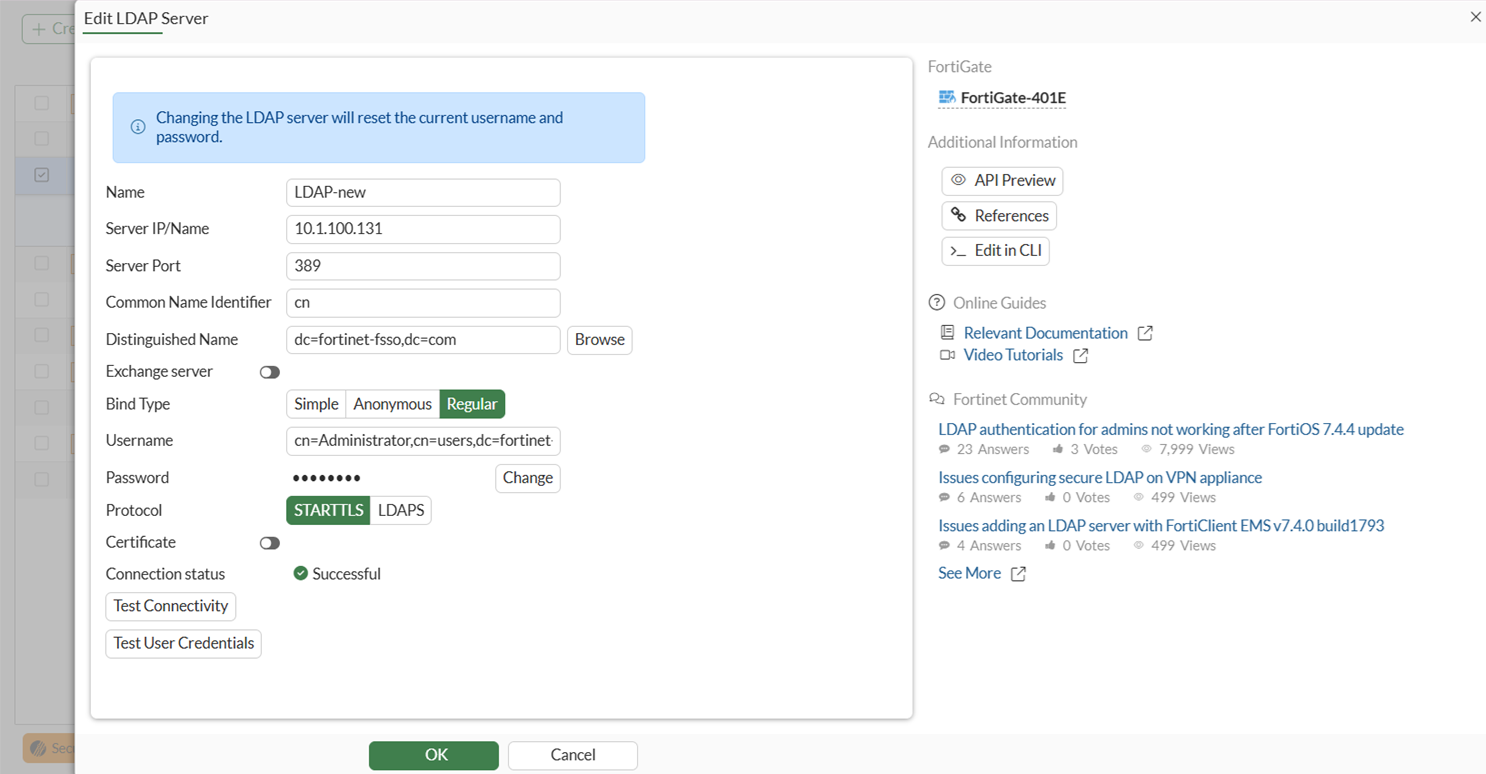
If the remote LDAP server does not support either STARTTLS or LDAPS, communication will fail and the LDAP server will need to be configured to accept LDAPS /STARTTLS connections, which requires a LDAP server certificate issued by a public or local CA in the customer's environment. In case a local CA is issued the LDAP server certificate, the CA public certificate also needs to be imported into the local FortiGate CA root store.
To disable secure connection:
config user ldap
    edit <name>
        set secure disable
    next
end