Order logs
The Log and Report > Orders page shows logs of all the purchase orders that you have placed in FIC. It shows the following information:
| Field | Description |
|---|---|
| ORDER NUMBER | Order number |
| DESCRIPTION | Description of the order |
| STATUS | Order status |
| DATE | Date the order was created |
|
ACTION |
View order details |
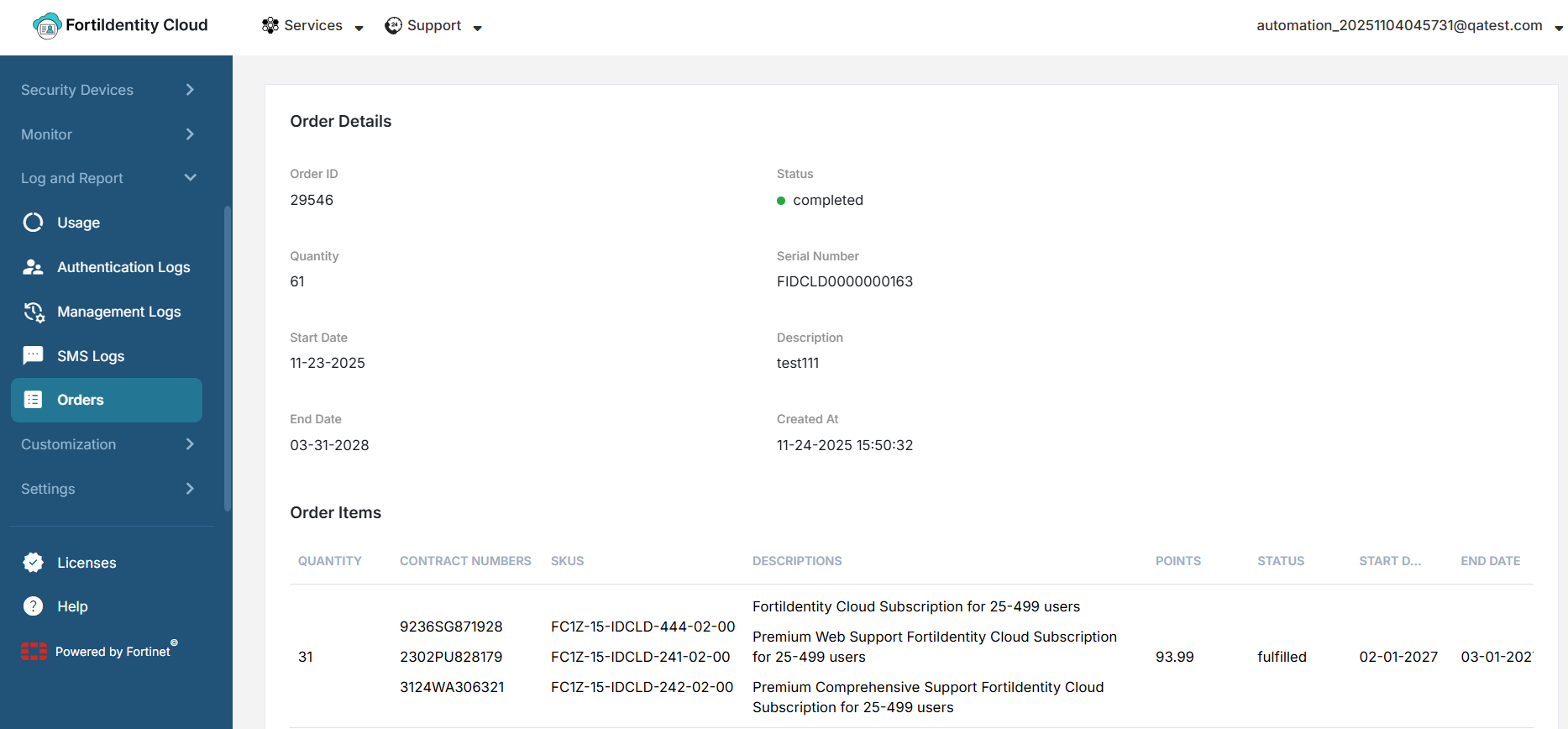
Viewing order details
Apart from viewing the general order information, you can also drill down to see the details of a specific order.
To view the details of an order:
- Locate the order of interest.
-
Click the ACTION button on the far right of the entry.