

Setting values for required meta fields
When a required meta field is defined for a device object, a column automatically displays on the Device Manager pane. The column displays the value for each device. When the required meta field lacks a value, an exclamation mark displays, indicating that you must set the value.
See also Meta Fields.
To set values for required meta fields:
-
Go to Device Manager > Device & Groups.
-
In the toolbar, select Table View from the dropdown menu.
-
View the columns.
In the following example, a column for each of the following required meta fields is displayed: Address and storenumber. A value of 148 is defined for one device, but no value is defined for the other device.

-
Right-click the device that lacks a value, and select Edit.
The Edit Device pane displays.
-
Under Meta Fields, complete the options labeled as Required, and click OK.
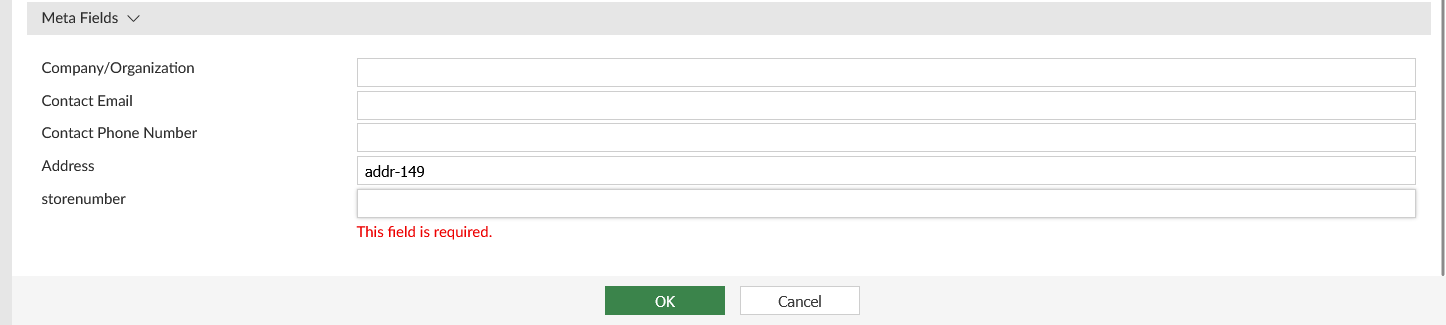
The value displays on the Device Manager pane.