Creating an Organization Unit(OU)
Organizational Units (OUs) are folders used to organize your MSSP Clients within your root organization. FortiRecon currently supports a single level of OU structure.
Perform the following steps to create an OU for a client.
-
In FortiCloud account, go to Services > Organization.
-
In the navigation menu, hover over the Root Organization name and click the gear icon.
-
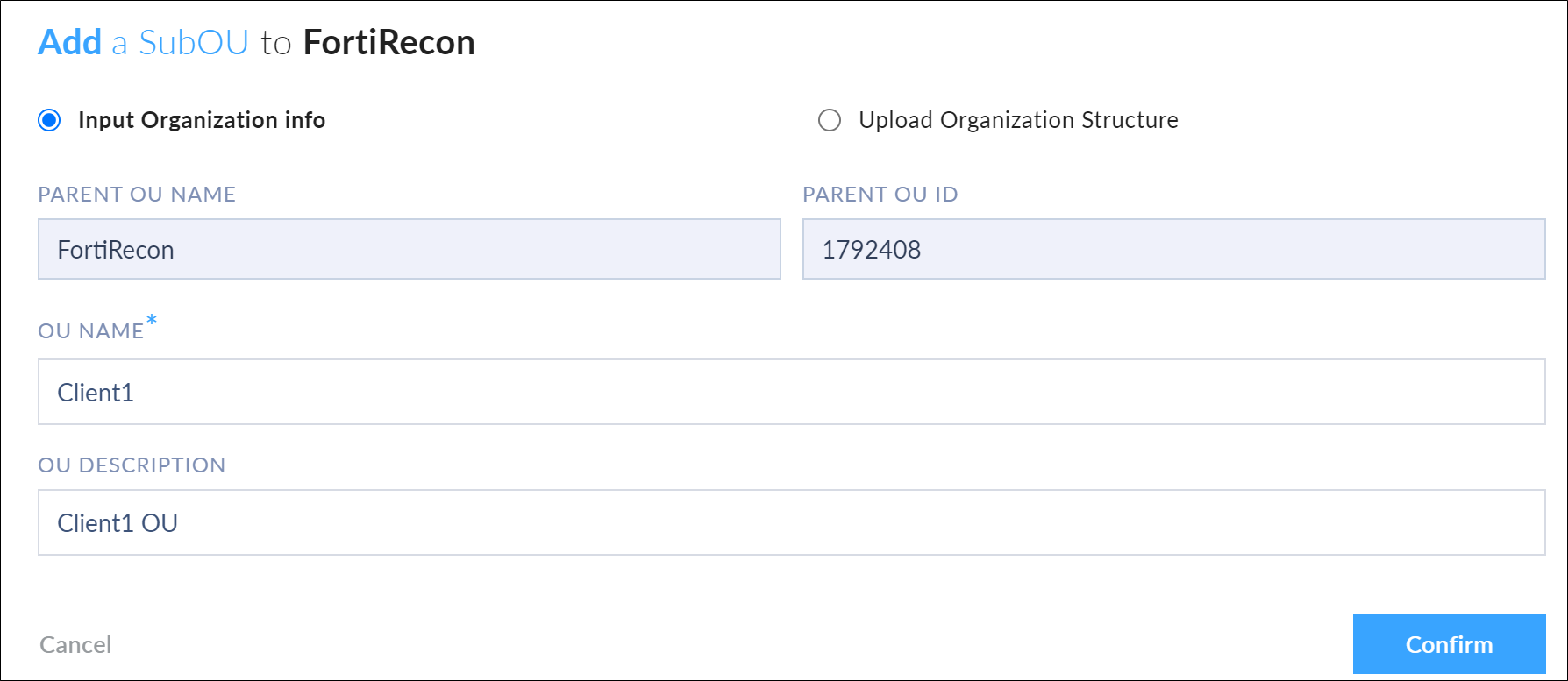
Click Add a SubOU. The Add a SubOU to <org_name> dialog opens.
-
Enter the OU Name and OU Description, then click Confirm. The new OU is added to the organization.