

Creating a MSSP Client Member Account
A Member Account is a FortiCloud account that joins an Organization. New Member Accounts can be created directly within the Root account Organization or a SubOU.
Perform the following steps to create a member account for a MSSP Client.
-
Select the MSSP Client Organization Unit (OU) that you want to add the Member Account to.
-
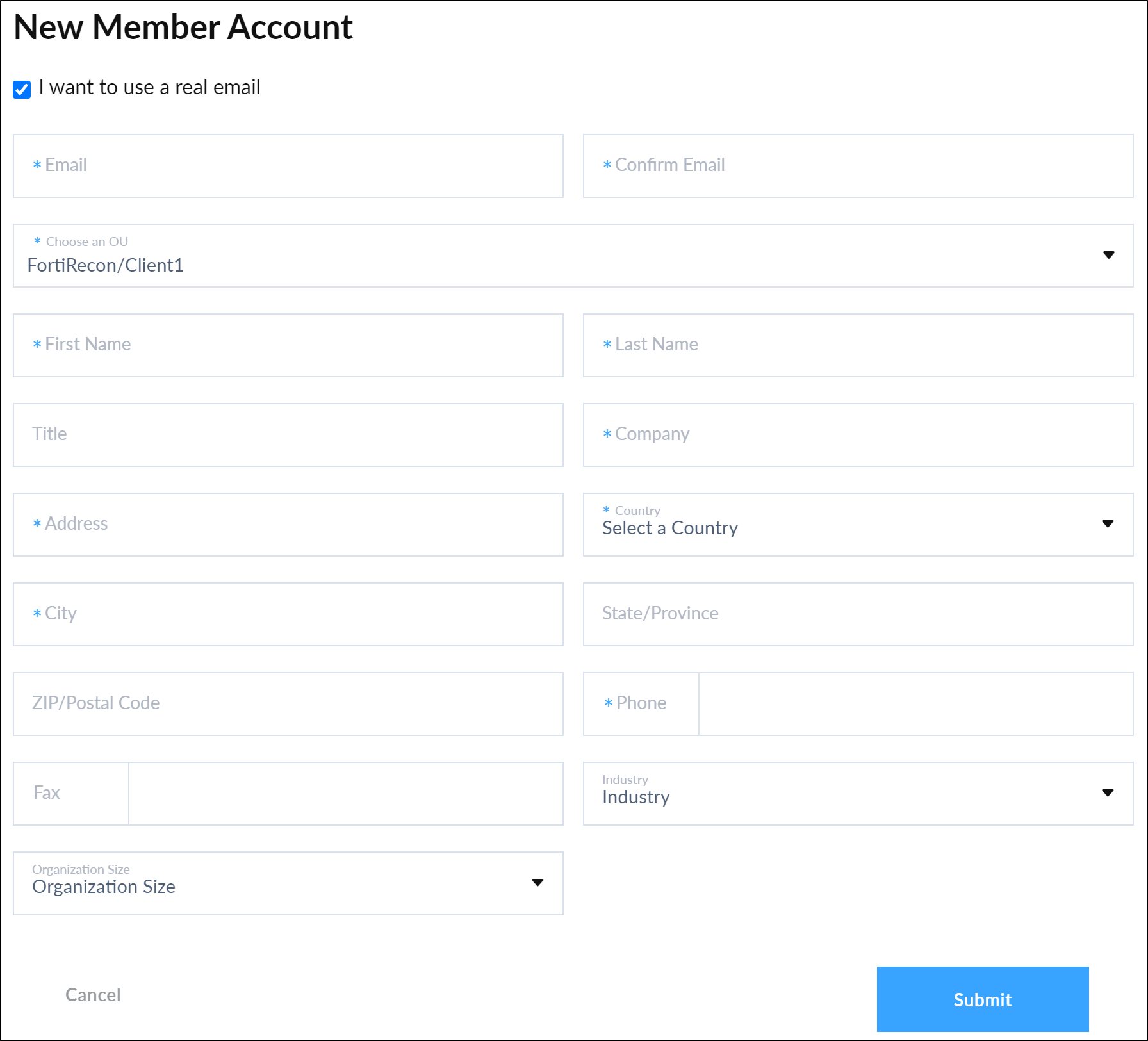
Click Add > Member Account. The New Member Account dialog is displayed.

-
Select I want to use a real email to input the email address of MSSP Client. Fields are displayed to enter the email address.
-
Select the MSSP Client OU that you want the Member Account to be linked to from the Choose an OU drop down menu.
-
Configure the New Member Account dialog fields with MSSP Client information.
-
Click Submit. A confirmation message is displayed.

|
For more information on creating member account, see FortiCloud Services > Organization Portal > Creating new Member Accounts. |