
Fortinet white logo
Fortinet white logo

User Guide

Accessing FortiRecon portal

Accessing FortiRecon portal

After you have subscribed to FortiRecon and received an email from the FortiRecon team, you are ready to access the FortiRecon portal.

To access FortiRecon:
  1. Go to FortiRecon at https://fortirecon.forticloud.com.
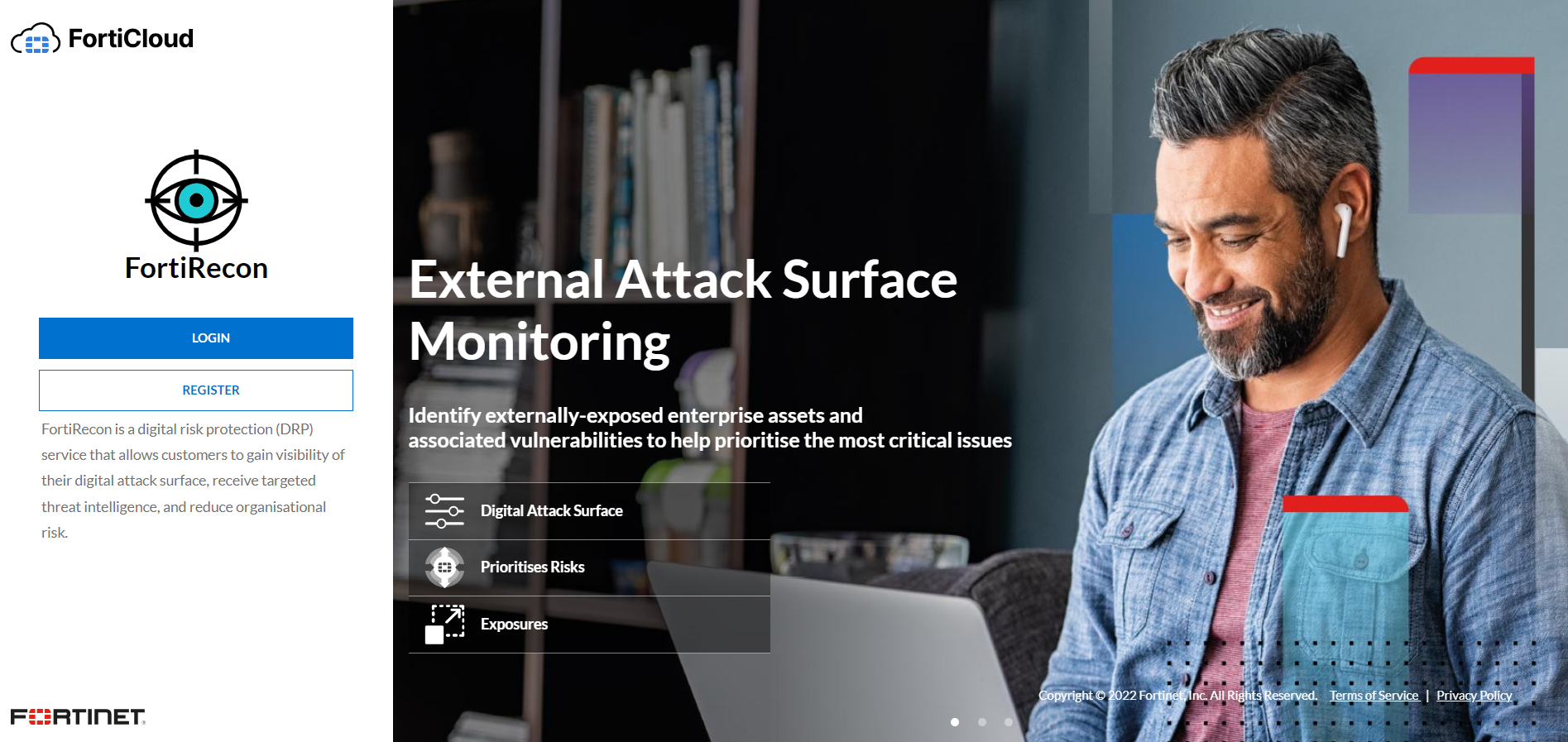
  2. Click Login. The FortiCloud login page is displayed.
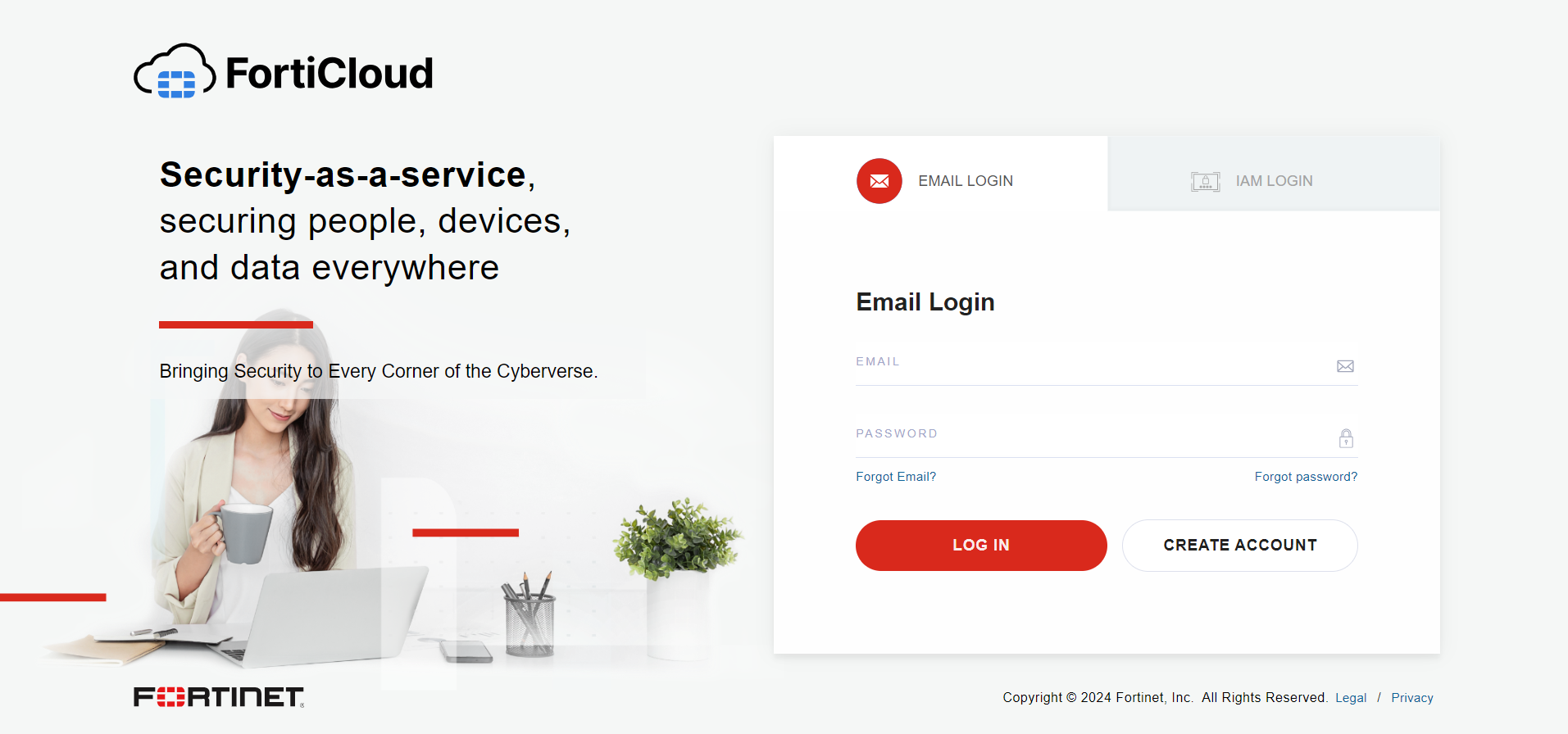
  3. Enter your FortiCloud credentials.
  4. Click Login. The Overview page is displayed. See Overview.

If you are part of multiple organizations, the Organization dashboard page is displayed. Select the organization you want and click Login. See Organization Dashboard.

Accessing FortiRecon portal

Accessing FortiRecon portal

After you have subscribed to FortiRecon and received an email from the FortiRecon team, you are ready to access the FortiRecon portal.

To access FortiRecon:
  1. Go to FortiRecon at https://fortirecon.forticloud.com.

  2. Click Login. The FortiCloud login page is displayed.

  3. Enter your FortiCloud credentials.
  4. Click Login. The Overview page is displayed. See Overview.

If you are part of multiple organizations, the Organization dashboard page is displayed. Select the organization you want and click Login. See Organization Dashboard.