

2. Activating
 Activate your FortiSASE instance by doing the following:
Creating a FortiCloud account
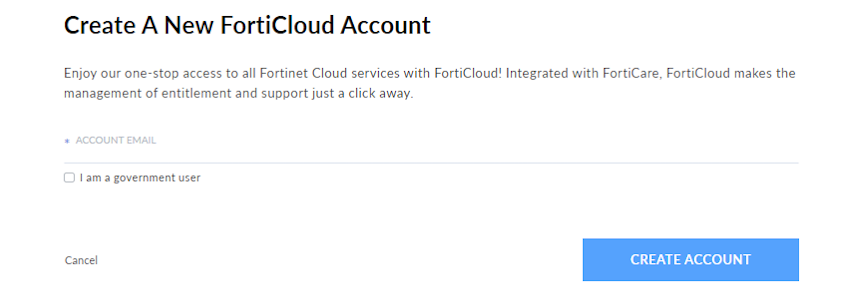
Activating FortiSASE requires a FortiCloud account, a centralized login system provided by Fortinet. Go to the FortiCloud portal and click Create Account. Follow the instructions to create your FortiCloud account.
Registering your FortiSASE license
Now that you have created your FortiCloud account, you can register your FortiSASE license.
To register your FortiSASE license:
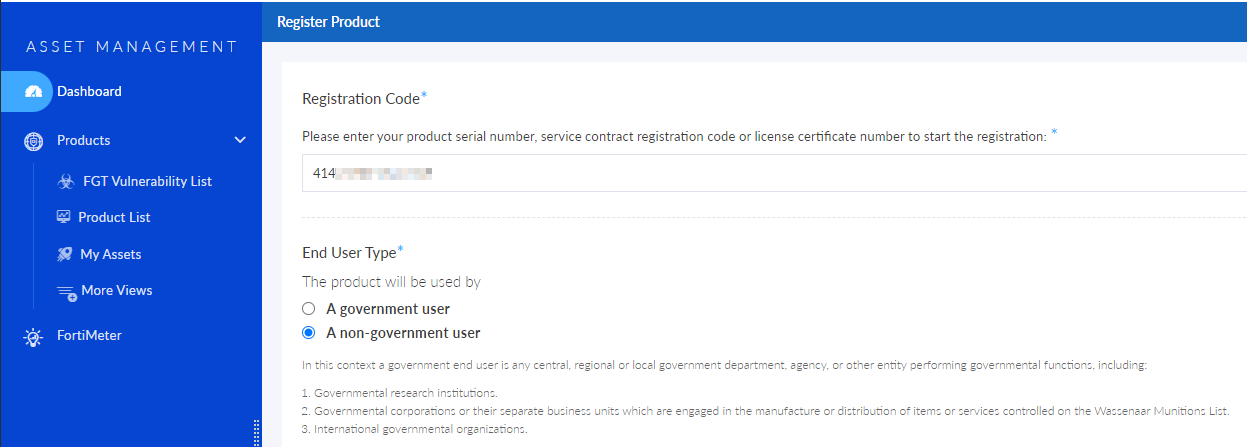
- While signed in to your FortiCloud account, go to Services > Asset Management and click Register Now.
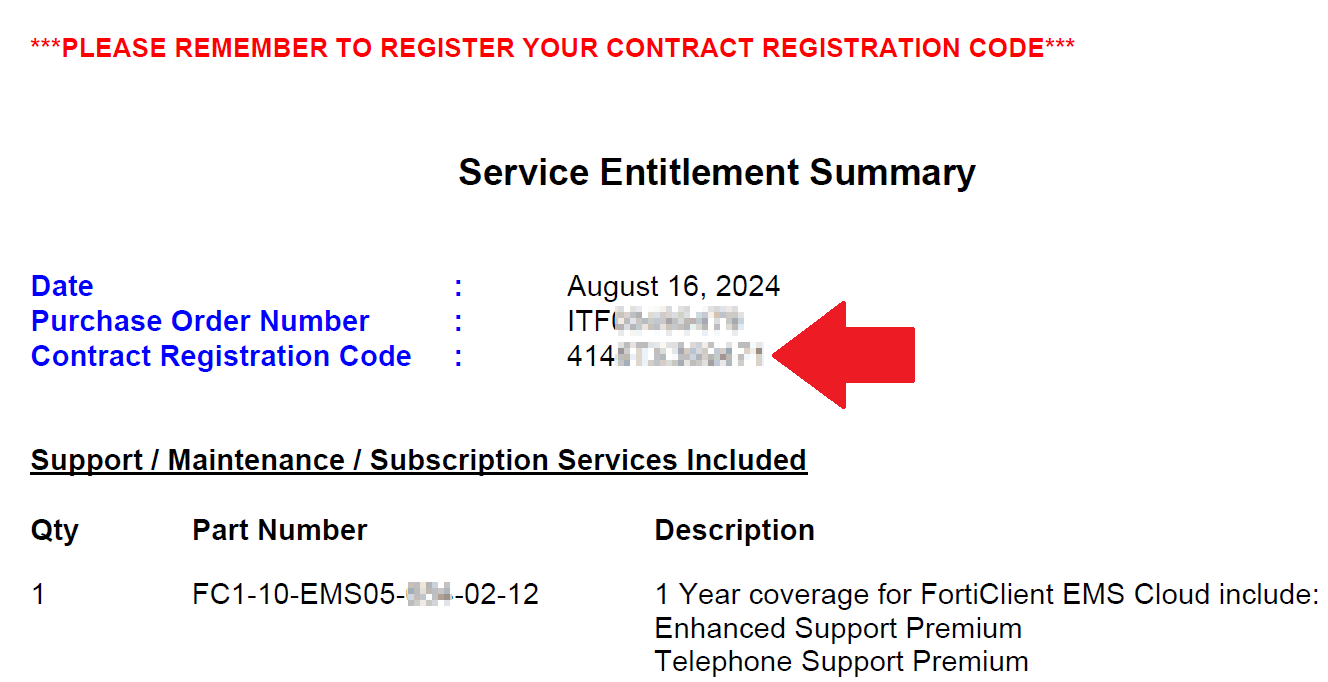
- You should have received an email with your Service Entitlement Summary document. The document includes a Contract Registration Code. In the Registration Code field, enter the Contract Registration Code value from your Service Entitlement Summary. In the example, the code is 414...
-
Continue with the remaining instructions to register your FortiSASE license. See Registering assets for details on the registration process.