

Address group
The address group object is a group of IP intervals in the form of IP/Netmasks or IP ranges. When assigned to a virtual server pool on an FQDN, traffic originating from the addresses in the group is routed to that pool.
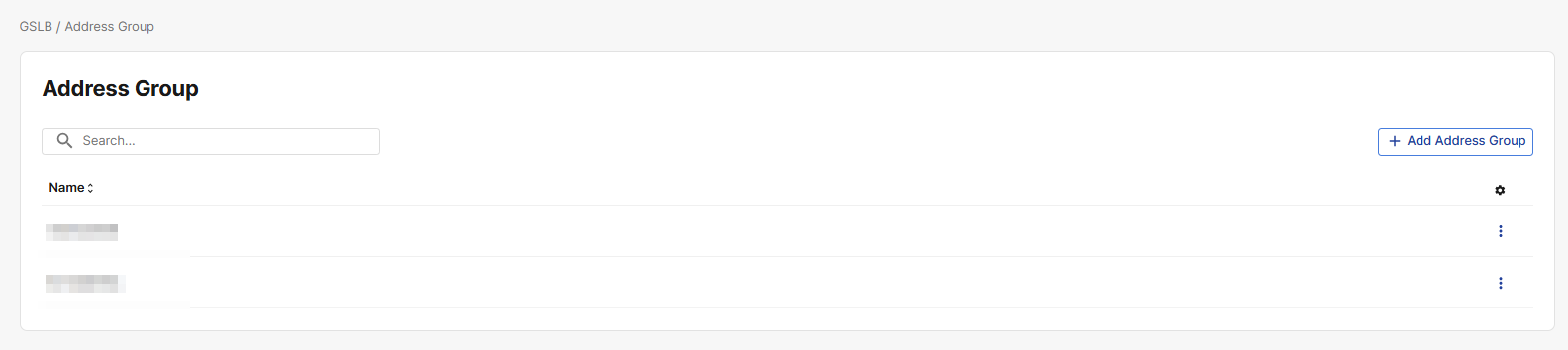
How to create an Address Group
-
Click Add Address Group
-
Enter the Name of the address group.
-
Click Add Address Group member. This opens a modal panel for configuring the Address Group Member's settings.
-
Select the Address Type, and enter the Net or Range.
Address Net refers to an entire subnet or network of IP addresses, defined by a network address and a subnet mask.
An example of an Address Net entry would be 10.0.0.0/24
Address Range specifies a continuous range of IP addresses, usually defined by a starting and ending IP address.
An example of an Address Range entry would be: Address Range Start: 10.0.0.0, Address Range End: 10.0.0.255
Assign Address Group to Virtual Server Pool
After you have configured the address group, you can assign it to an FQDN's virtual server pool.
-
Navigate to GSLB > FQDN.
-
Click the three dots in the top-right corner of a configured FQDN object to expand the actions menu.
-
Click Manage Virtual Server Pool. This navigates to a page displaying all virtual server pools mapped to the FQDN.
-
In the row of the desired virtual sever server pool, click the three dots under the gear icon to expand the actions menu.
-
Click Edit.
-
Under Address Group, select the desired address group.
-
Click Save to apply changes.