

Integrations
Connectors enable you to configure connectors to external systems, which enables you to trigger predefined types of actions. EDR provides various connectors out-of-the-box, such as Firewalls and NAC systems. The out-of-the-box EDR connectors utilize Fortinet products’ APIs to automatically perform the required actions in order to extend its automatic Playbook actions.
You can set up an unlimited number of connectors for each type and use them by associating Playbook policies or Security policies to the actions defined for these integration connectors, as described below.

|
The Connectors menu is only available when the environment is connected to Fortinet Cloud Services (FCS). |
To display the Connectors page:
- Select Profiles > Integrations > Connectors.
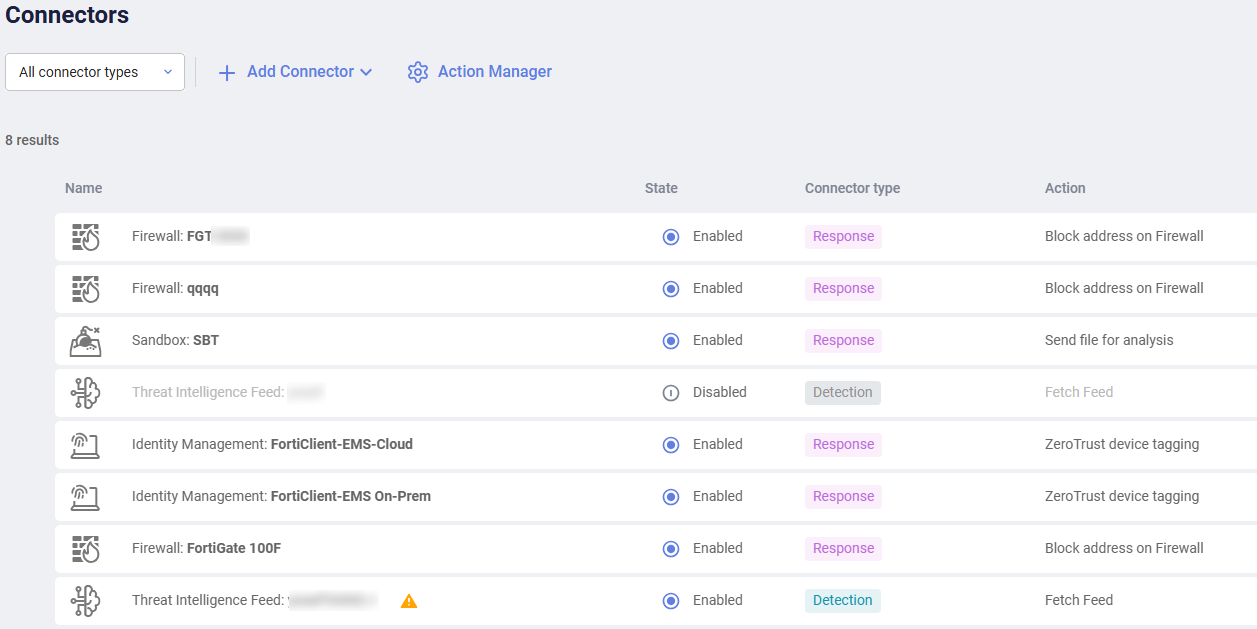
The top left of this page provides two buttons, as shown below:

- Adding connectors enables you to add and configure connectors for integration with EDR.
- Action Manager enables you to upload and manage (add, modify and delete) actions (Python scripts that call third-party system APIs) to be automatically triggered by EDR as incident responses. Python 2.7 or later is supported.